Texel density
How many texture pixels cover one metre of surface; how to calculate it, how to pick a value for first-person, third-person and top-down games, how to check it in common tools, and when to break the rule.
Texel density is the number of texture pixels (texels) that cover a given length of surface, usually written in pixels per metre (px/m) or pixels per centimetre (px/cm). Beyond Extent calls it "a measurement unit used to make asset textures cohesive compared to each other", measured "in pixels per centimeter (2.56px/cm) or pixels per meter (256px/m)" (Beyond Extent: Texel Density).
Texel density is used to keep assets consistent. If a crate is very sharp and the wall behind it is blurry, the scene looks wrong even when each asset is fine on its own.
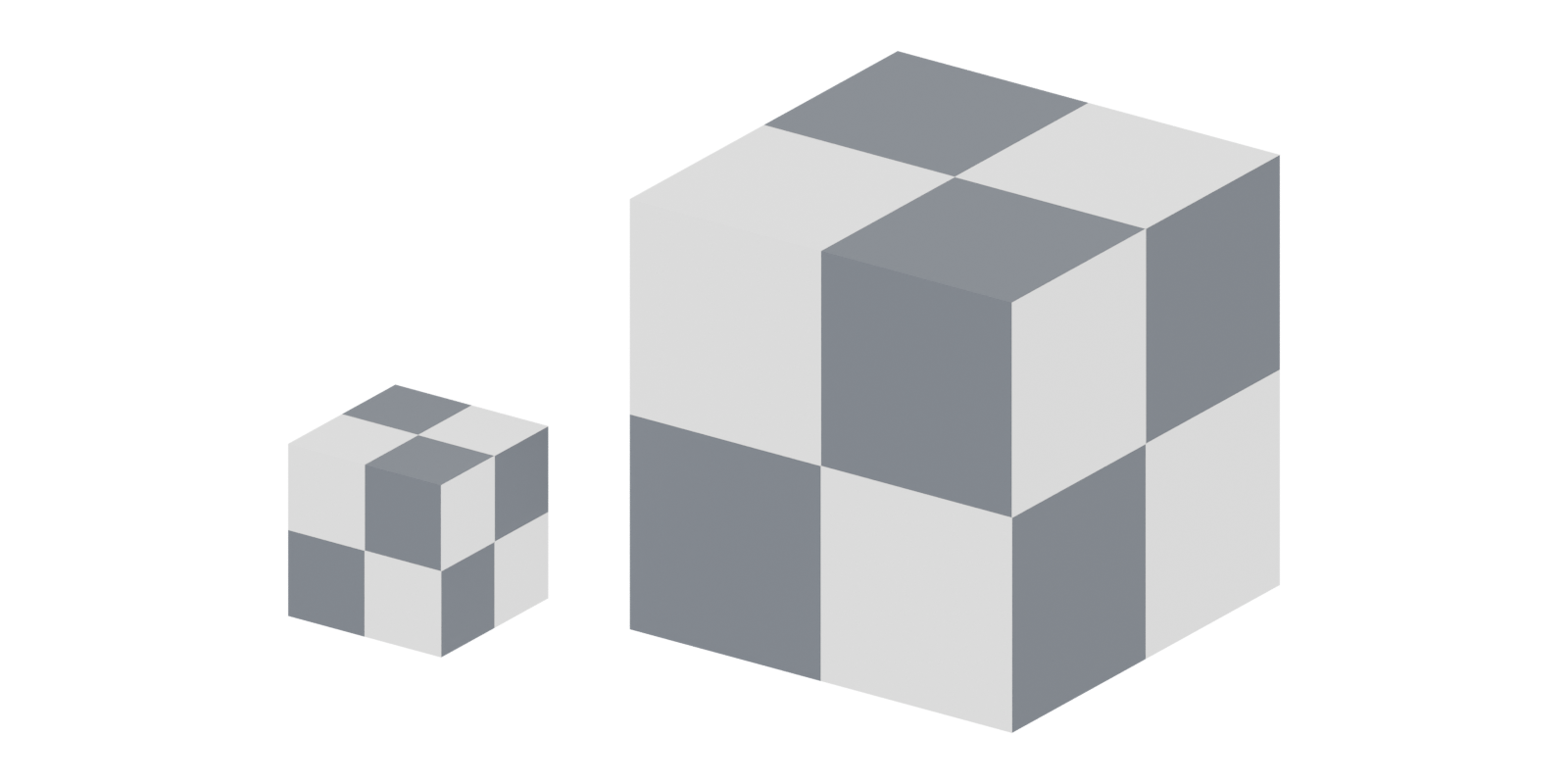
#The formula
For a surface that covers the full width of its texture:
texel density = texture width in pixels ÷ surface width in metres
When an island only covers part of the texture, multiply by the fraction of the texture width it spans:
texel density = texture px × (island width in UV units) ÷ surface width in m
The two units convert by a factor of 100: 1024 px/m = 10.24 px/cm.

#Worked numbers
- A 2 m wall with a 2048 px texture across its width: 2048 ÷ 2 = 1024 px/m (10.24 px/cm).
- The same texture on a 4 m wall: 2048 ÷ 4 = 512 px/m.
- A tiling floor at 512 px/m with a 1024 px material: each repeat covers 1024 ÷ 512 = 2 m. A 10 m corridor shows five repeats.
- A 1 m crate at 512 px/m with unique UVs: six faces of 1 m² need 6 × 512 × 512 ≈ 1.57 million pixels. A 1024² texture has 1.05 million, so it is too small; a 2048² texture (4.19 million) has room for the islands plus padding, or you can accept a lower density on the bottom.
- An island spanning a quarter of a 2048 px texture that covers 0.5 m on the model: 2048 × 0.25 ÷ 0.5 = 1024 px/m.
#Choosing a project value
There is no universal number. On Polycount, CrackRockSteady writes: "There isn't a standard for all games. Your target texel density will depend on the specific needs of your project" (Polycount: Creating Trim Sheets 4 Part Tutorial…). Still, published rules of thumb cluster around a few values.
| Camera | Rule of thumb | Source |
|---|---|---|
| First person | Around 1024 px/m (10.24 px/cm); "your 2k map now only covers 2m" | PixelMasher on Polycount (Polycount) |
| Third person | 512 px/m (5.12 px/cm); "2k for 4m" is "pretty standard for 3rd person games, especially if they are on console" | PixelMasher on Polycount (Polycount) |
| Top-down | Can be lower than other camera types | Beyond Extent, which gives no number (Beyond Extent) |
| Portfolio and personal projects | "Something like 20.48px/cm will be more than enough" | Beyond Extent (Beyond Extent) |
Beyond Extent also notes that first-person games "usually have the highest texel density" and that third-person games "can go for a slightly lower" one (Beyond Extent: Texel Density). In a 2024 Polycount thread about AAA shooters, Benjammin guessed the modern standard is "closer to 10/cm", while stressing that this does not mean "4K textures on everything" (Polycount: Texel Density Standards for AAA First-Person…).
Pick the value early, write it into the art bibles and style guides, and test it: put a texel-density checker on a wall in the engine, walk up to it at the closest normal play distance, and see if the pixels show. Beyond Extent's test is to avoid "obvious pixelation" that gives the asset away (Beyond Extent: Texel Density).
#Tileables, trims and unique textures
Tileable materials are the easiest to keep consistent. "It's easy to stick to the texel density for tileable textures", says Beyond Extent: you just decide how many repeats per surface (Beyond Extent: Texel Density). See tileable materials.
Trim sheets need a little more care, because strips are often scaled to fit. Beyond Extent suggests "something around 25% up or down" from the target as an acceptable range (Beyond Extent: Texel Density). See trim sheets. A shipped example: Matthew Trevelyan Johns's trims for The Last of Us Part I are measured high-poly panels mapped at 512 px per metre, sized to fit most faces of small props, with grooves and rivets repeated at more than one size (ArtStation: The Last of Us: Part I...Trim Pipeline). Fixing the density first allows one sheet to serve many different props.
Unique textures are where density drifts most. Each prop gets its own map, and it is tempting to give a small prop a large texture. Calculate from the target density instead, as in the crate example above. See unique texturing.
Lightmaps have their own density, measured in lightmap texels. Epic stresses an even density "to get consistent lighting when using baked lighting" (Unreal Engine documentation: Understanding Lightmapping in Unreal Engine). See lightmap UVs.
#Tools
| Tool | What it does |
|---|---|
| Texel Density Checker (Blender add-on, GPL-3.0) | Calculates density for any texture size, rescales UVs to a target, copies density between objects and shows a checker (GitHub) |
| Blender | Average Islands Scale makes all islands "approximately the same scale" (Blender Manual), useful before setting a value |
| Maya | Texel Density in the UV Toolkit's Transform section: select a shell, enter the map size and press Get (Autodesk Community) |
| RizomUV | Texel density bar and histograms; lets you "customize your packing scale and texel density" (80 Level) |
| Unreal Engine | Texture-streaming view modes such as Required Texture Resolution and Mesh UV Density Accuracy (Unreal Engine documentation); Lightmap Density view mode for lightmaps (Unreal Engine documentation) |
Unreal's streaming view modes colour objects by whether the loaded mip is right: red means "2X+ mips missing", white "Good data", green "2X+ extra mips" (Unreal Engine documentation: Building Texture Streaming Data in Unreal…). They are not a strict texel-density checker, but they show where textures are too big or too small for how they are seen.
#Examples
#Common mistakes
- Deciding per asset. Without a shared target, every artist picks a different texture size.
- Scaling connected islands separately, which makes parts of one piece look sharper than others (Polycount: Are these UVs good?).
- Ignoring the camera. A top-down game at first-person density wastes memory.
- Mixing up px/cm and px/m. 10.24 px/cm and 1024 px/m are the same; 10.24 px/m is a hundred times less.
#Further reading and watching
References
- · Texel Density (deep dive) · Beyond Extent, 2022 · article · accessed 2026-10-21
- · Creating Trim Sheets 4 Part Tutorial - Polygon Academy (thread) · Polycount, 2019 · forum · accessed 2026-10-21
- · Texel Density Standards for AAA First-Person Shooter Games? · Polycount, 2024 · forum · accessed 2026-10-21
- · The Last of Us: Part I...Trim Pipeline · ArtStation · web · accessed 2026-10-21
- · Game Ready Japanese Plastic Signs 02 · Sketchfab · web · accessed 2026-10-22
- · Understanding Lightmapping in Unreal Engine · Unreal Engine documentation · docs · accessed 2026-10-21
- · Blender Addon: Texel Density Checker · GitHub · tool · accessed 2026-10-21
- · Editing (UV Editor tools) · Blender Manual (3.6), 2023 · docs · accessed 2026-10-21
- · Problem with Texel Density tool · Autodesk Community, 2019 · forum · accessed 2026-10-21
- · Meet RizomUV 2022 · 80 Level, 2021 · article · accessed 2026-10-21
- · Building Texture Streaming Data in Unreal Engine · Unreal Engine documentation · docs · accessed 2026-10-21
- · Viewport Modes in Unreal Engine · Unreal Engine documentation · docs · accessed 2026-10-21
- · Reducing UV Waste Need Help · Polycount, 2014 · forum · accessed 2026-10-21
- · Are these UVs good? · Polycount, 2015 · forum · accessed 2026-10-21
- · How To Achieve Consistent Texel Density In 3D Environment Art (Simplified) · YouTube · video · accessed 2026-10-21
Also consulted
- · Texel Density Masterclass: For Rendering & Real-time Graphics (Games) · YouTube, 2024 · video · accessed 2026-10-21
Pages that link here
- How to use this handbook Guide
- Real-time vs. offline rendering Topic
- The game asset pipeline Topic
- Roles in 3D game production Topic
- Units, scale and axes Topic
- Modeling software Reference
- UV, retopology and baking tools Reference
- Texturing and material software Reference
- AI-assisted 3D generation Topic
- Scale and proportion Topic
- Box modeling Topic
- Hard-surface modeling Topic
- Bevels and chamfers Topic
- Bevel shaders Key term
- Weighted (custom) normals Topic
- The mid-poly workflow Topic
- Showcase (warehouse) map Key term
- Grids and metrics Topic
- Kitbashing Topic
- Hero assets, props and filler Topic
- Tileable sculpts Guide
- UV mapping Topic
- UV seams and islands Key term
- Checker maps Key term
- UV packing and padding Topic
- UV mirroring and stacking Key term
- Lightmap UVs Key term
- UDIMs Key term
- Baking Topic
- Physically based rendering (PBR) Topic
- Metallic map Key term
- Texture formats, compression and mipmaps Topic
- Mipmaps Key term
- Texture streaming Key term
- Ways to texture an environment Overview
- Unique texturing (texture painting) Topic
- Smart materials Key term
- Tileable materials Topic
- Photo-sourced and scanned materials Topic
- Trim sheets Topic
- Texture atlases Topic
- Triplanar and world-aligned mapping Topic
- Detail maps and macro variation Topic
- Breaking up tiling Topic
- Baked vs. dynamic lighting Topic
- Virtual texturing Key term
- Level design and environment art Overview
- Performance and profiling Topic
- Texture memory (VRAM) Key term
- Art bibles and style guides Reference
- Planning a portfolio piece Guide
- Making (and reading) an art breakdown Guide
- Portfolio advice from industry professionals Reference
- Interviews and portfolio walk-throughs Guide
- Exercise: your first game-ready prop Exercise
- Exercise: a modular room Exercise
- Exercise: a trim sheet Exercise
- A 12-month learning roadmap Guide
- Learning platforms and courses Reference
- Essential talks and videos Reference
- Game art breakdowns: a curated library Reference
Last updated 2026-10-22