Degenerate geometry
Faces with no area and edges with no length, usually from stacked or collapsed vertices; invisible in the viewport but a cause of shading, baking, boolean and import problems. How to find and remove them.
Degenerate geometry is geometry that has collapsed: a face with zero area, or an edge with zero length. Blender's 3D Print Toolbox uses the word degenerate for exactly these faces and edges, and suggests merging by distance to fix them (Blender 3.6 Manual: 3D Print Toolbox). The glTF specification says mesh geometry "SHOULD NOT contain degenerate lines or triangles, i.e., lines or triangles that use the same vertex more than once" (Khronos Group: glTF 2.0 Specification). A degenerate triangle is one whose three corners lie on a single point or a single straight line.
Degenerate geometry is usually invisible in the viewport, and only its side effects show.
#How it happens
Typical causes, all of which leave the faces in place but flattened:
- Extrude, then cancel. In Blender, cancelling the move after an extrude keeps the new faces, stacked on the old ones (see extrude, inset and loop cut).
- Snapping vertices together without welding. Two vertices at the same position give zero-length edges between them; Merge by Distance exists to weld exactly these (Blender 3.6 Manual: Clean Up).
- Booleans and conversions. Cuts and format conversions can leave slivers; see booleans.
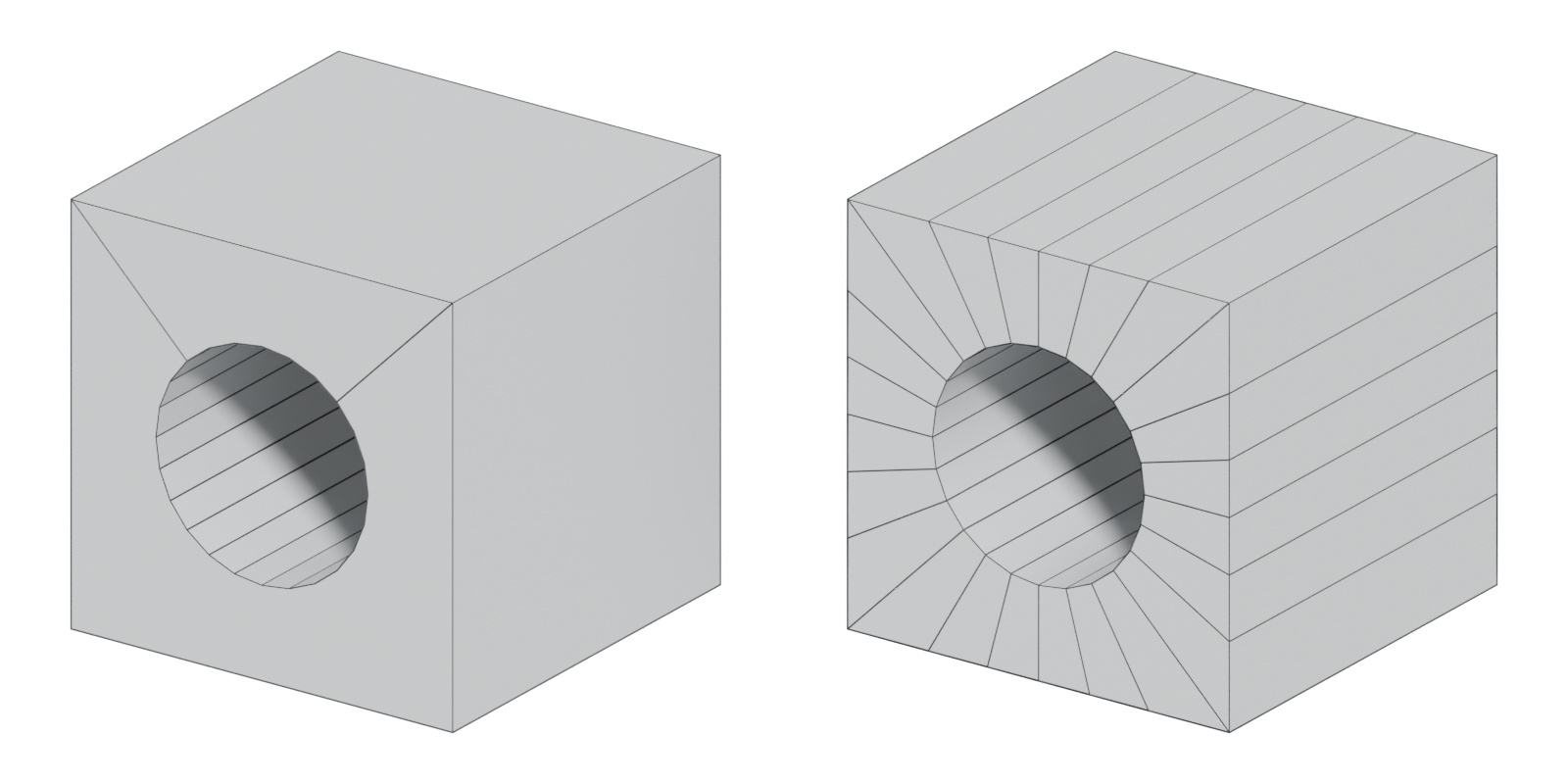

#Problems caused by degenerate geometry
A face's normal is worked out from its edges. When the face has no area, there is no sensible direction for it to face, so every tool that needs one has to guess. Problems appear wherever normals matter: smoothed shading (see smoothing, hard edges and smoothing groups), baking and tangent space and MikkTSpace, and anything that needs a clean solid, such as booleans and 3D-print checks (Blender 3.6 Manual: 3D Print Toolbox). See manifold and non-manifold geometry and fixing baking artefacts.
Unreal's FBX importer has a Remove Degenerates option, and Epic says "this option should be enabled" in general (Unreal Engine Documentation: FBX Import Options Reference).
#Finding and fixing it
| Tool | Find | Fix |
|---|---|---|
| Blender | 3D Print Toolbox: Degenerate check for zero-area faces and zero-length edges (Blender 3.6 Manual) | Degenerate Dissolve "collapses / removes geometry which you typically will not want", with a Merge Distance threshold (Blender 3.6 Manual); Merge by Distance merges vertices that are closer than a set distance |
| Maya | Mesh > Cleanup, set to select | Cleanup can remove zero-length edges and faces with zero geometry area below a tolerance (Maya 2017 Help) |
| Unreal Engine | — | Remove Degenerates on FBX import (Unreal Engine Documentation) |
Blender's Clean Up menu also has Delete Loose, which "removes disconnected vertices and edges (optionally faces)", and Split Non-Planar Faces, which "avoids ambiguous areas of geometry by splitting non-flat faces" (Blender 3.6 Manual: Clean Up). They are worth running in the same pass.
#Common mistakes
- Merge distance too large. A big threshold also merges vertices you meant to keep, such as tight support loops or small bevels. Start very small and increase only if needed.
- Cleaning after baking. Clean first, then bake; the bake depends on the low poly's normals.
- Trusting the viewport. Degenerate faces are invisible until something breaks. Run the check before every export.
Related: manifold and non-manifold geometry, triangle, face, normals, extrude, inset and loop cut, export checklist.
#Further reading and watching
References
- · 3D Print Toolbox · Blender 3.6 Manual, 2023 · docs · accessed 2026-10-20
- · glTF 2.0 Specification · Khronos Group (GitHub) · docs · accessed 2026-10-21
- · Clean Up · Blender 3.6 Manual, 2023 · docs · accessed 2026-10-21
- · FBX Import Options Reference · Unreal Engine Documentation · docs · accessed 2026-10-20
- · Cleanup Options · Maya 2017 Help, 2016 · docs · accessed 2026-10-20
Pages that link here
- Vertex Key term
- Triangle Key term
- Manifold and non-manifold geometry Key term
- Export checklist Guide
- Extrude, inset and loop cut Key term
Last updated 2026-10-22