Nocturne - Asset breakdown
2026
- Duration
- 6 months
- Team
- Solo
- Tools
- Blender, Unreal Engine, ZBrush, Substance 3D Painter, Substance 3D Designer, Gaea Quadspinner, Adobe Creative Cloud
I am solely responsible for this project.
Beauty shots
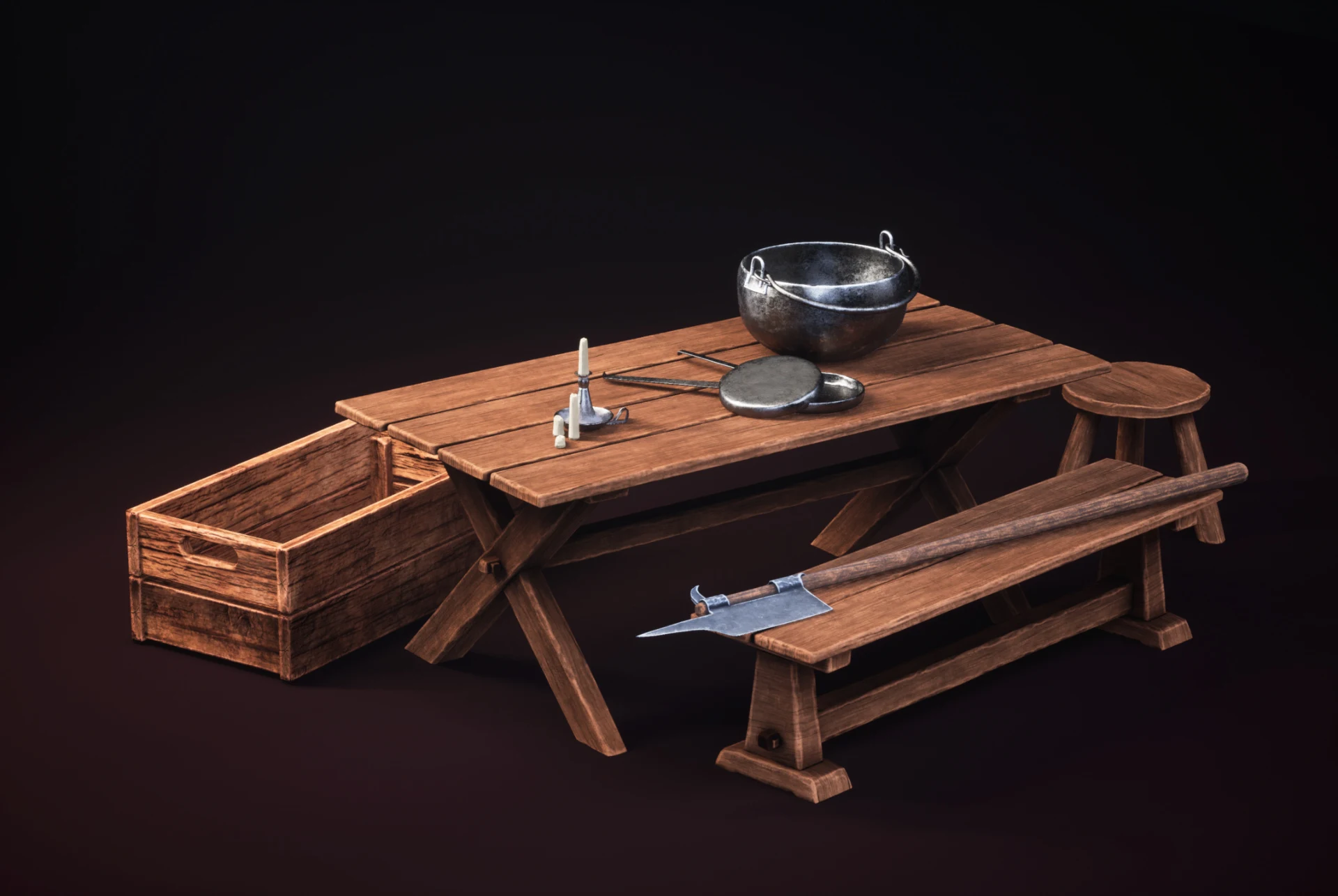
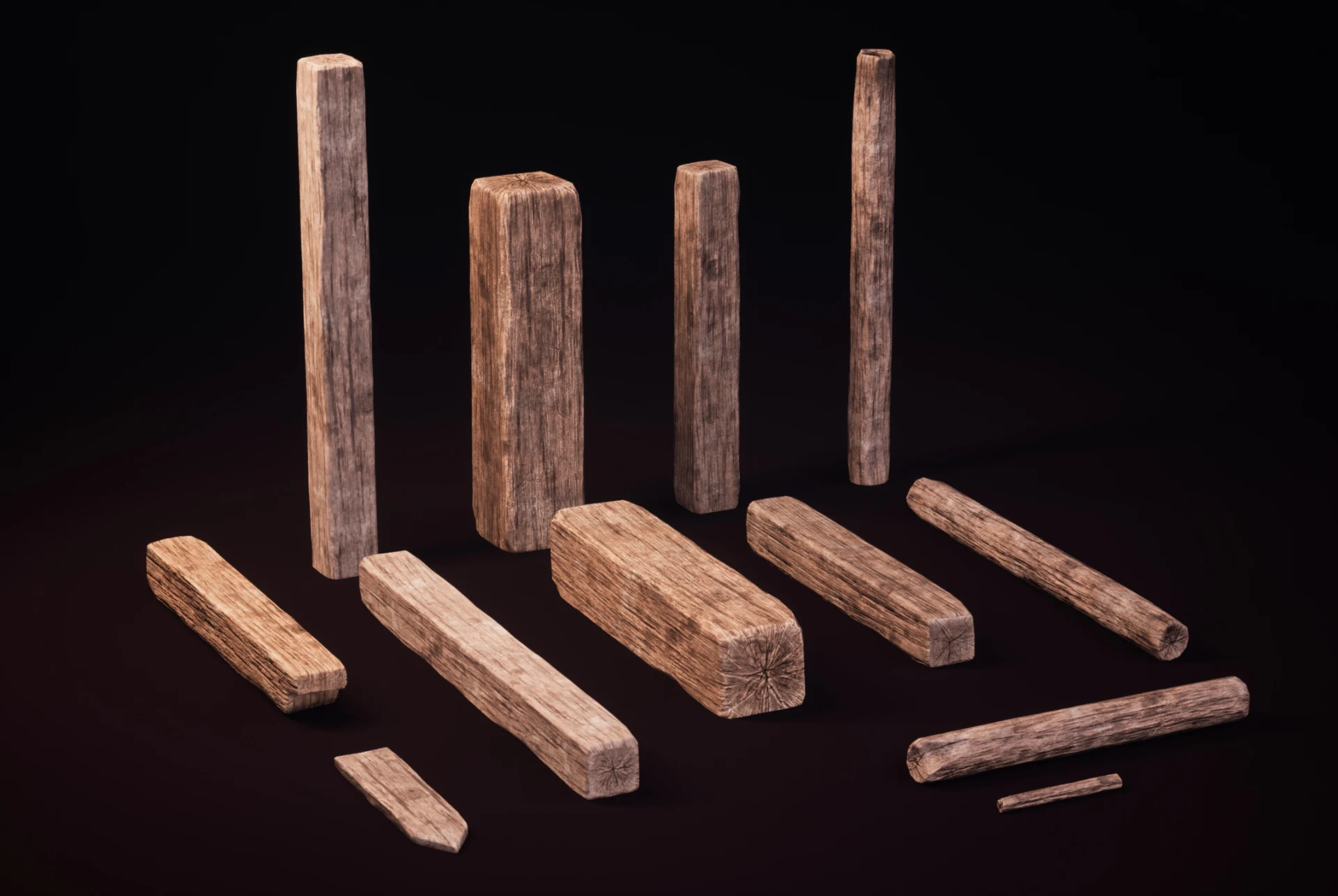
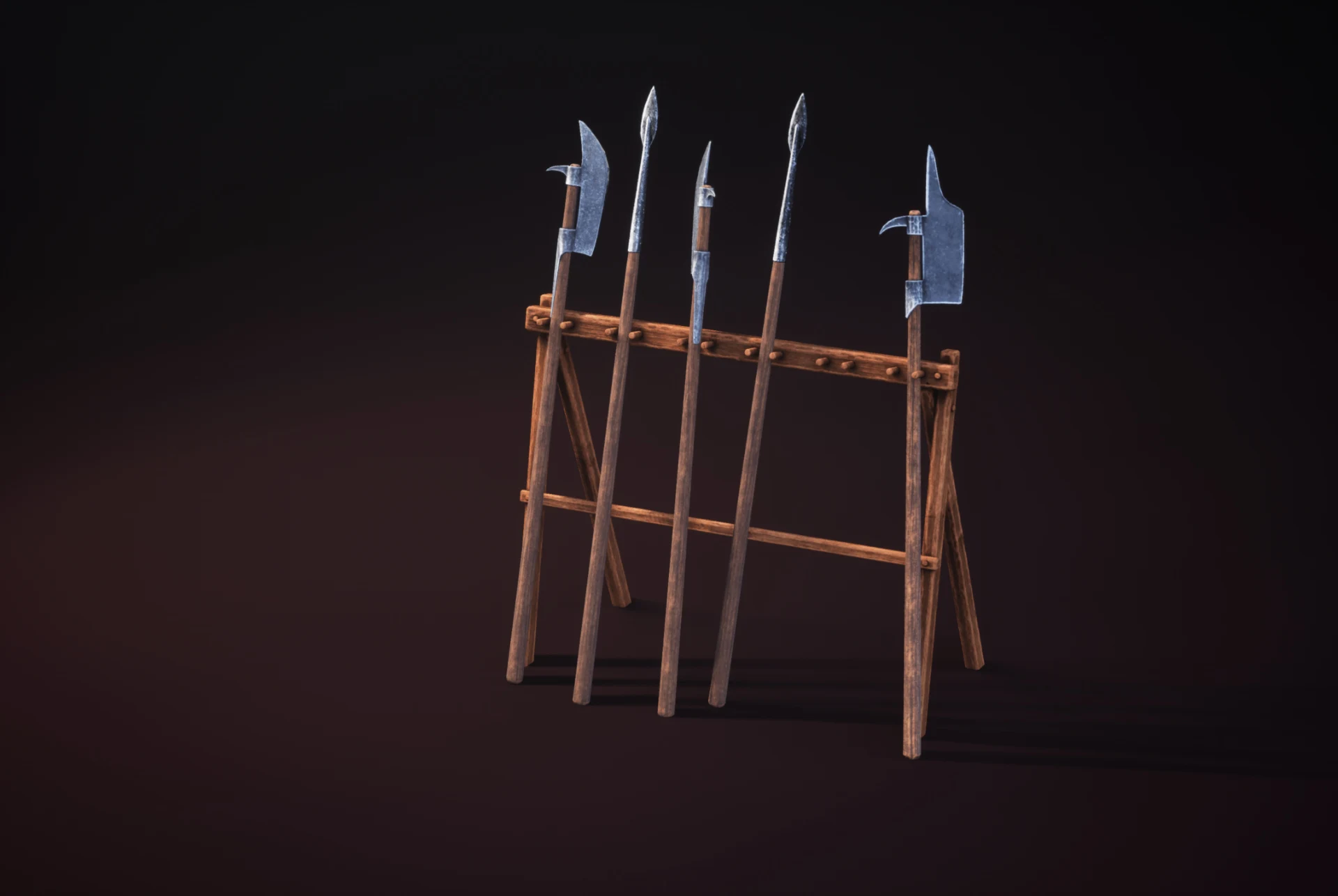
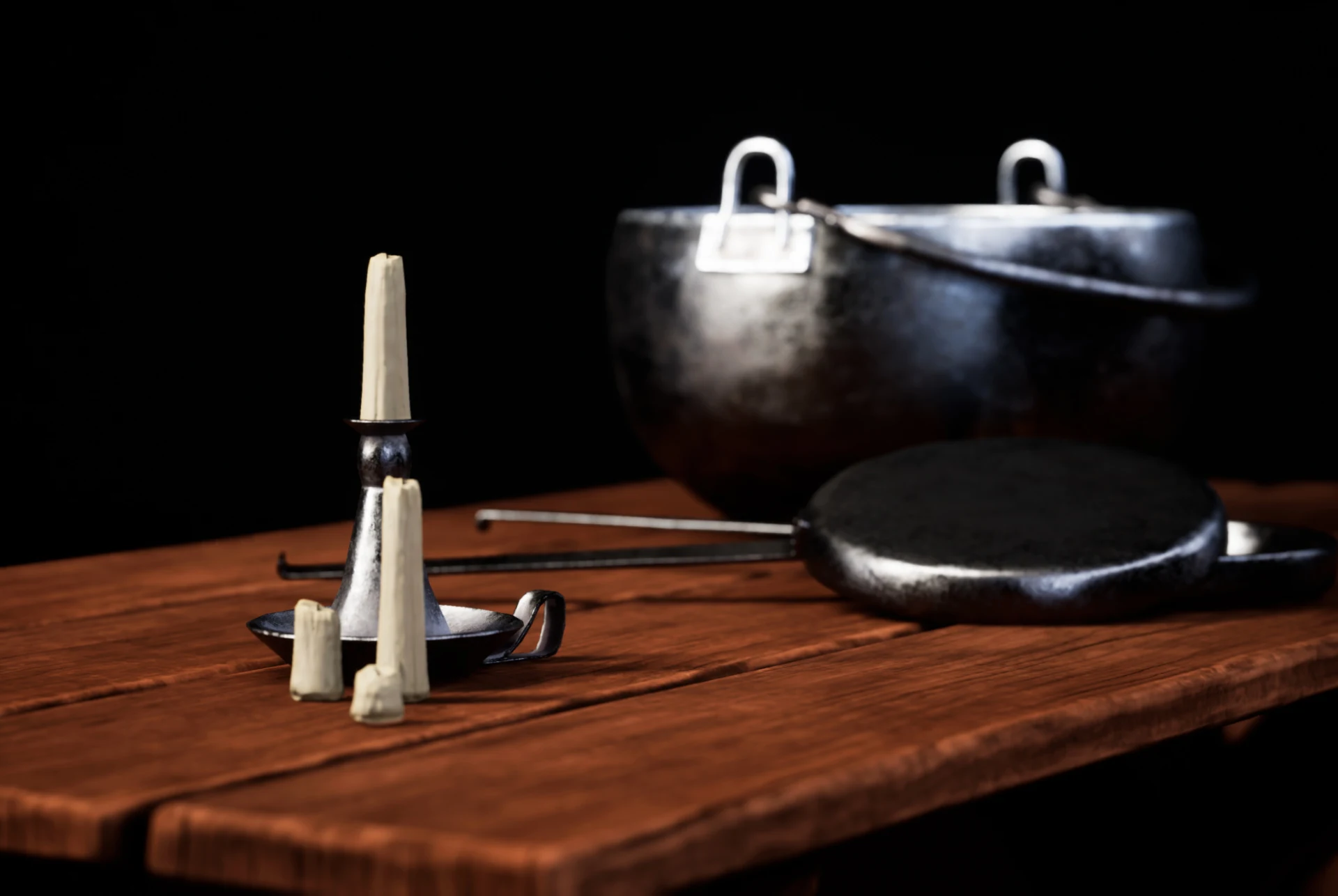
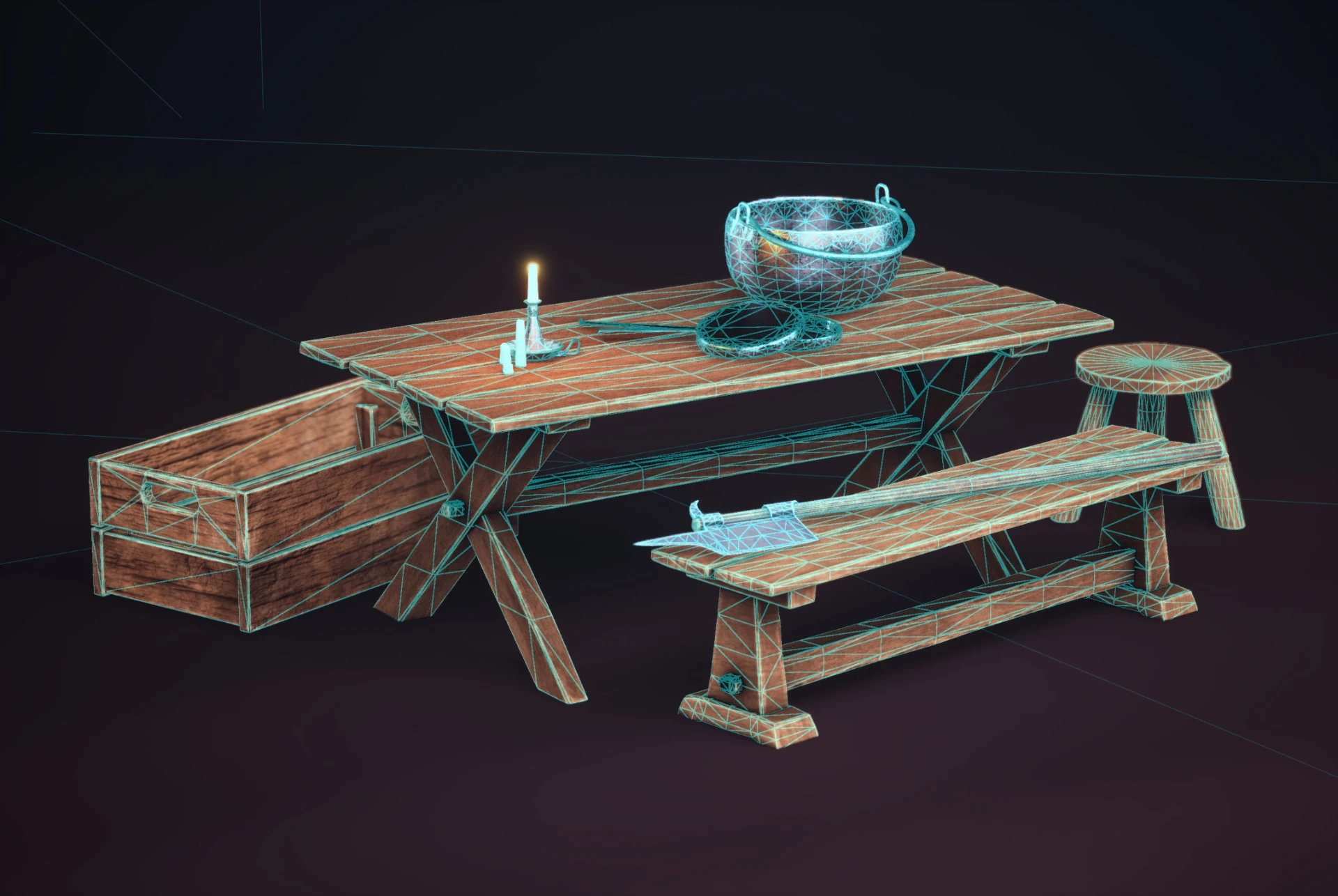
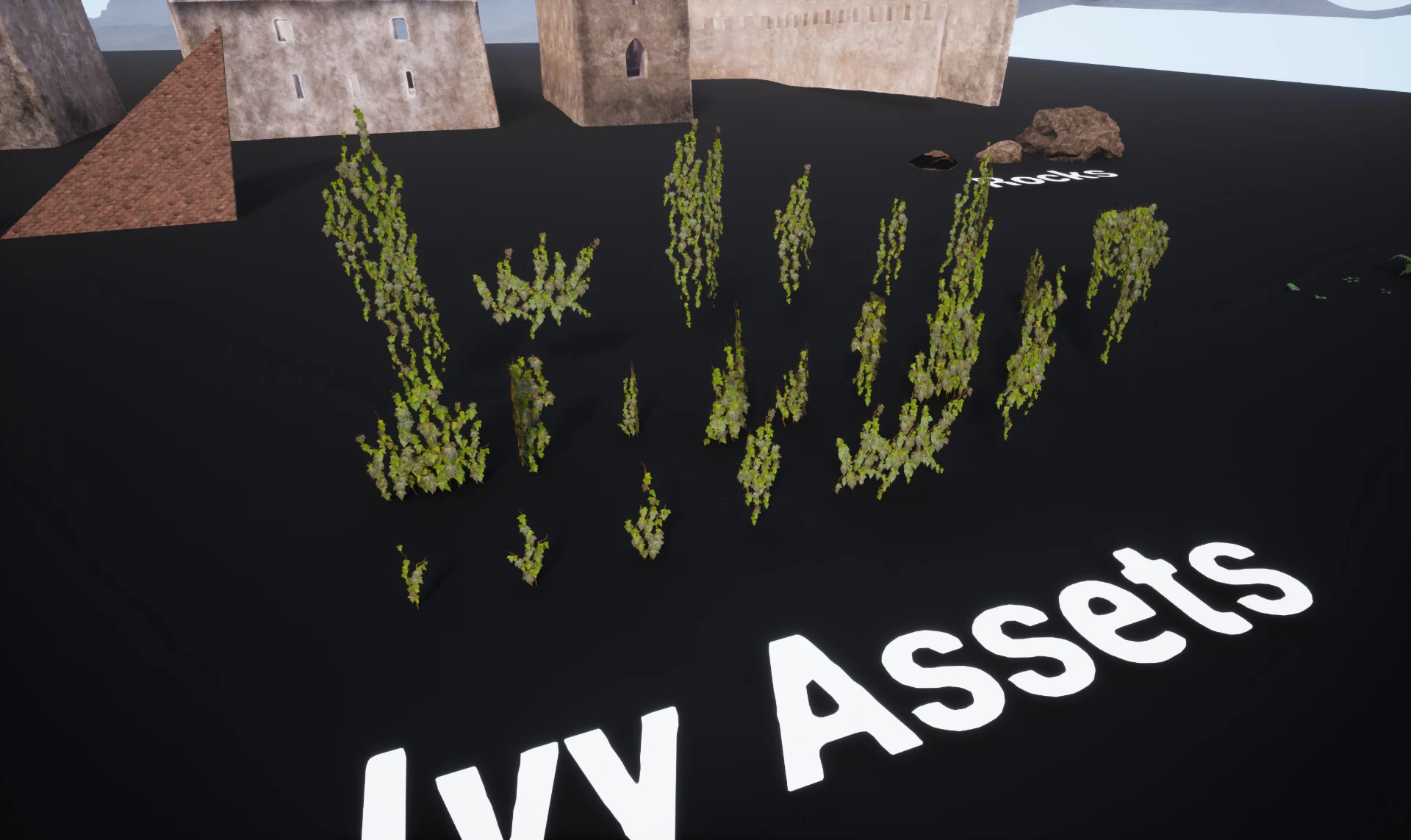
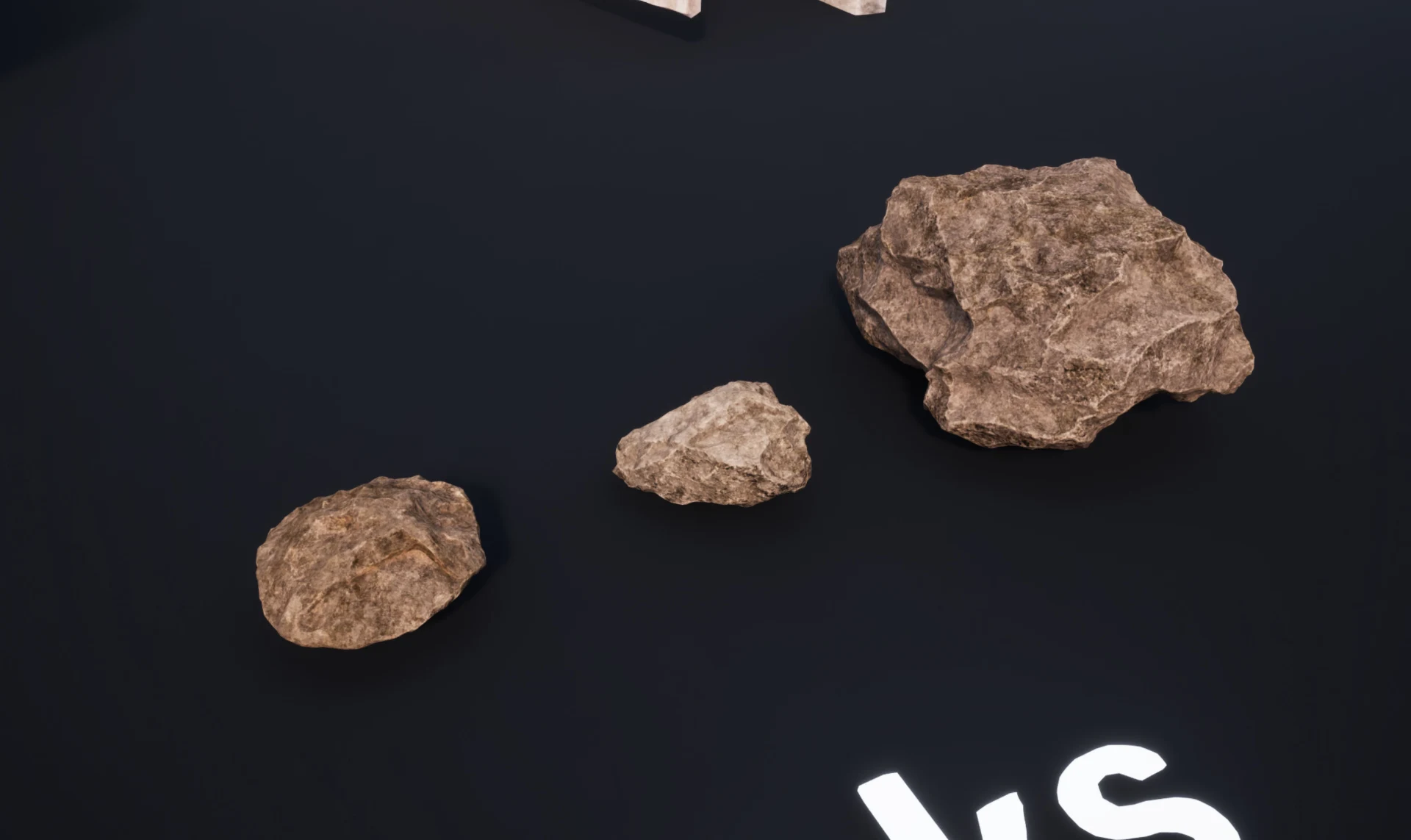
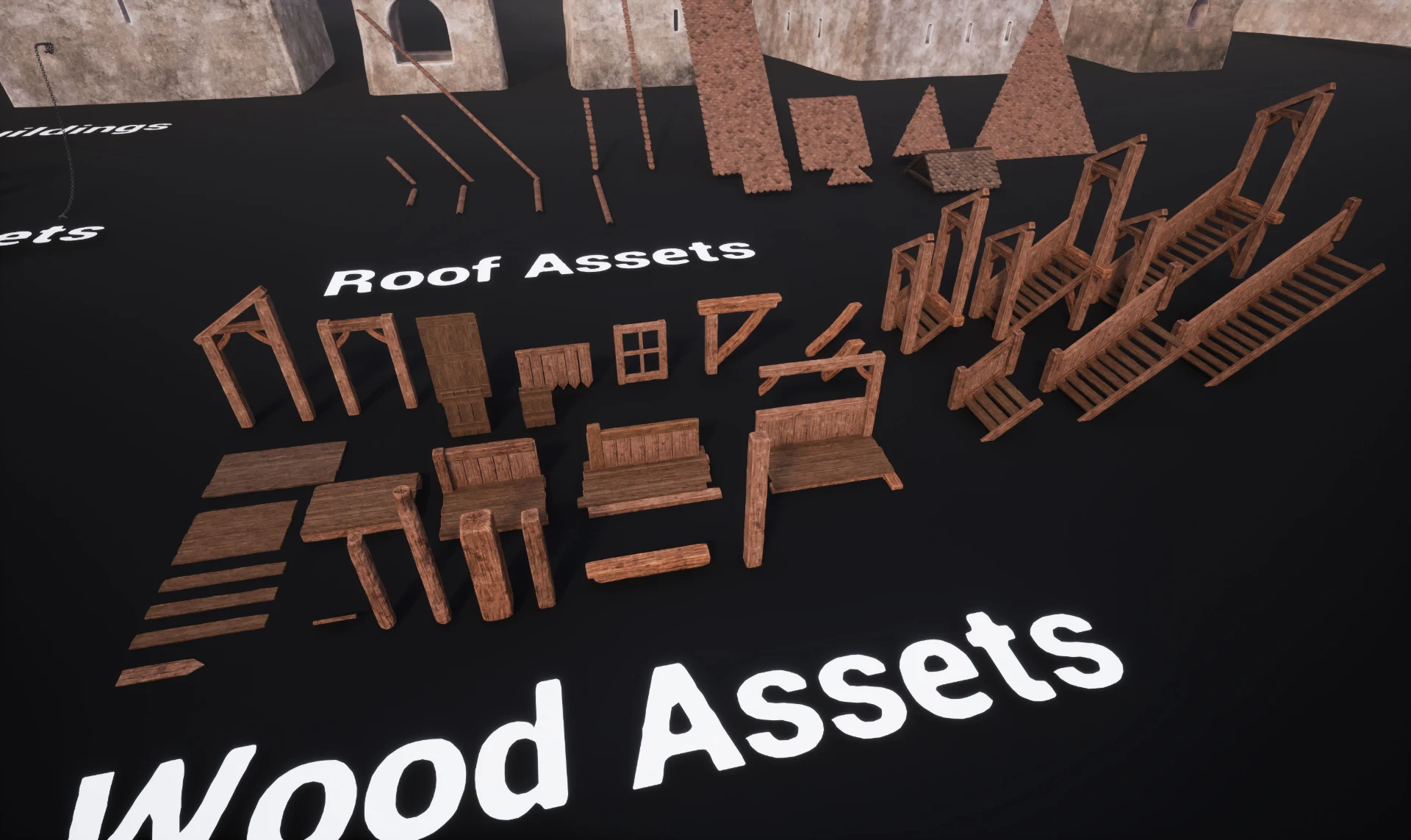
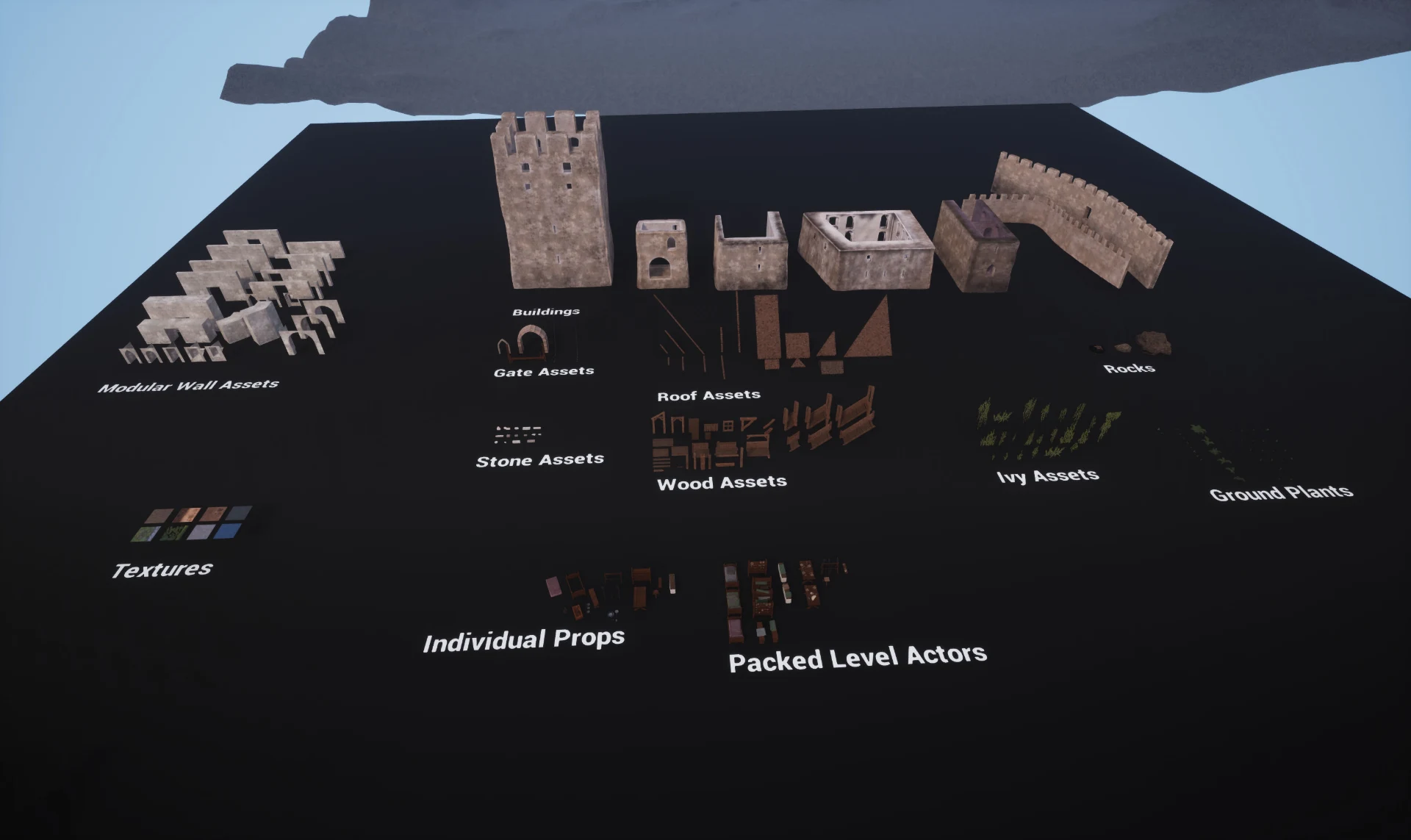
Asset zoo
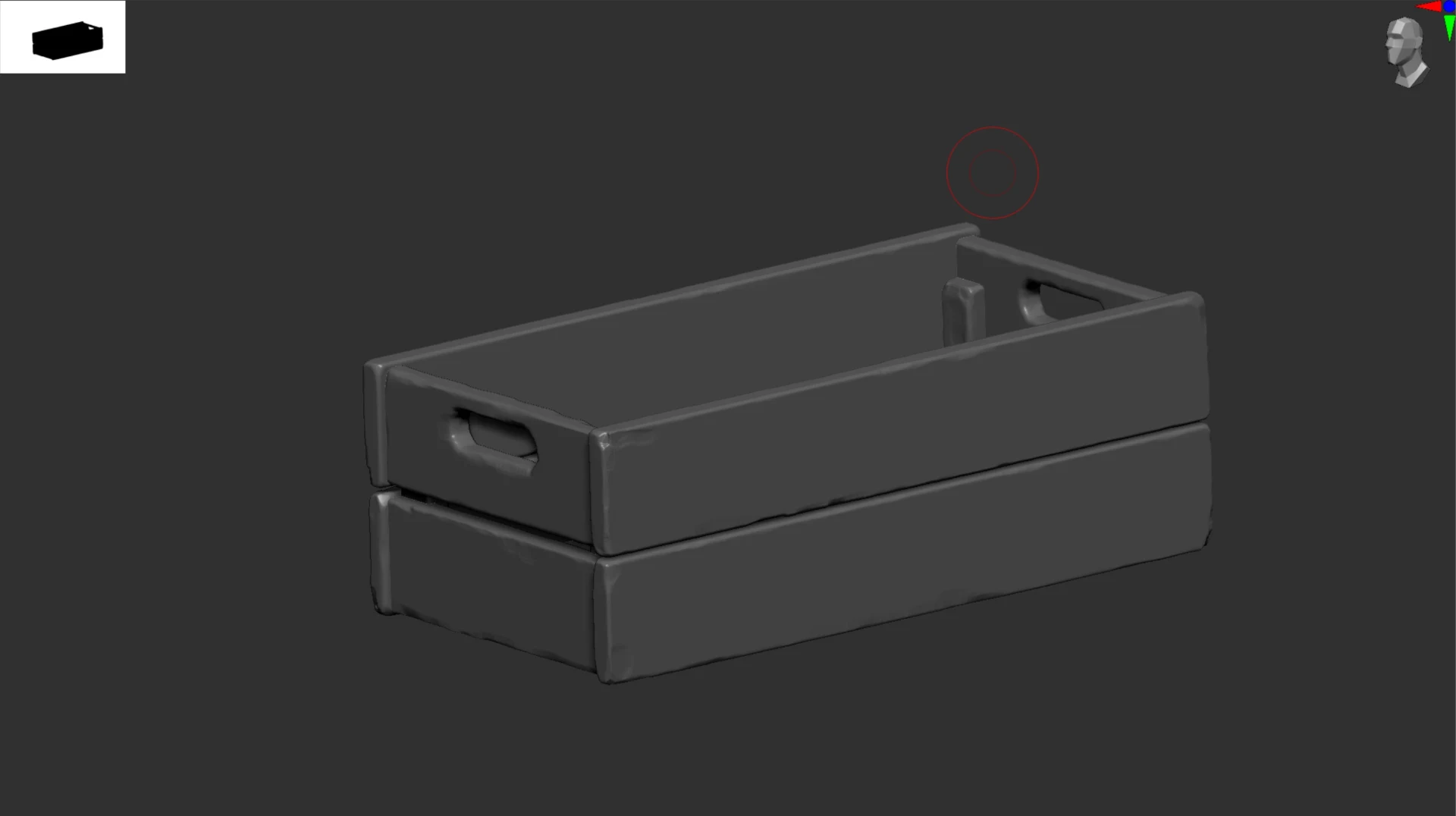
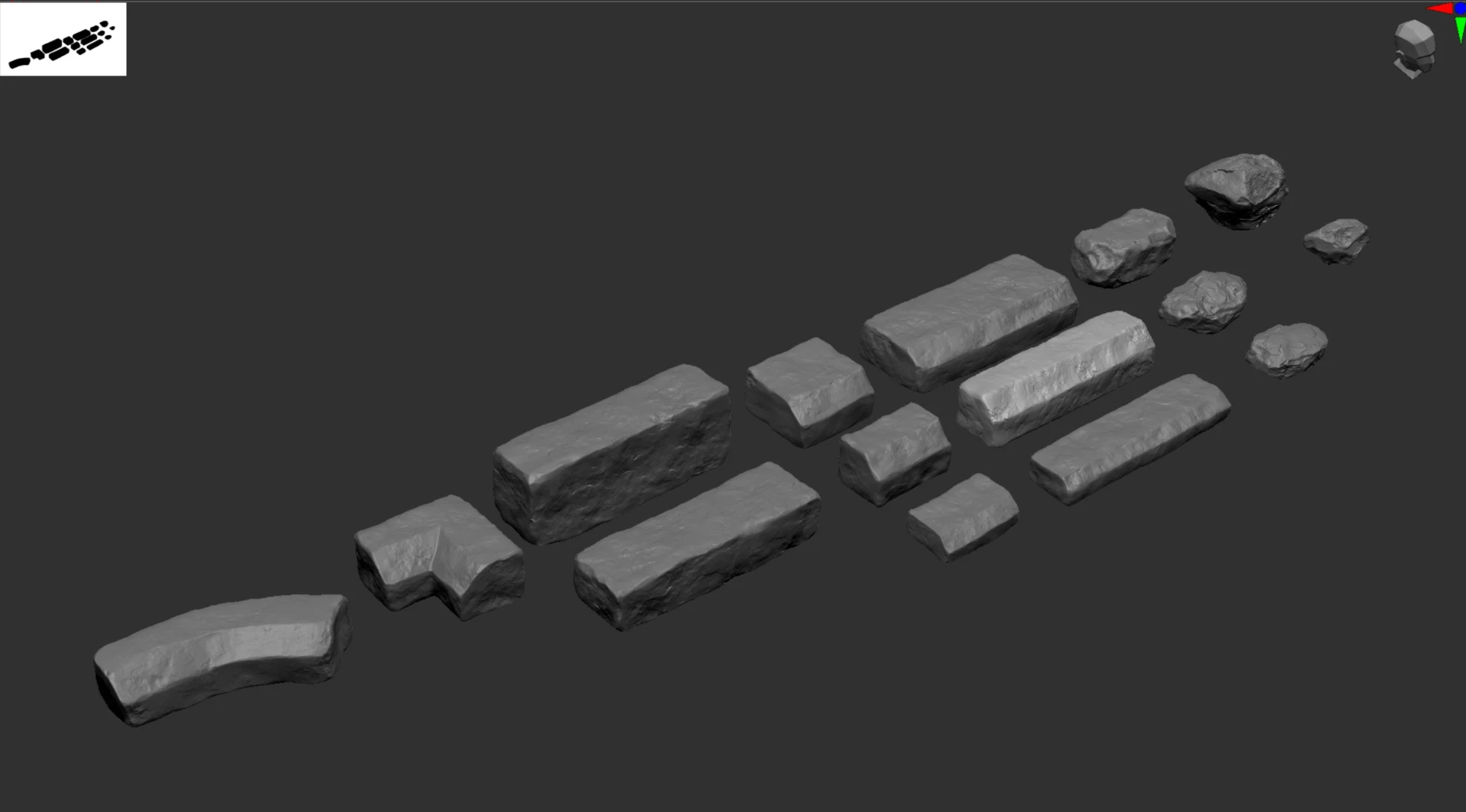
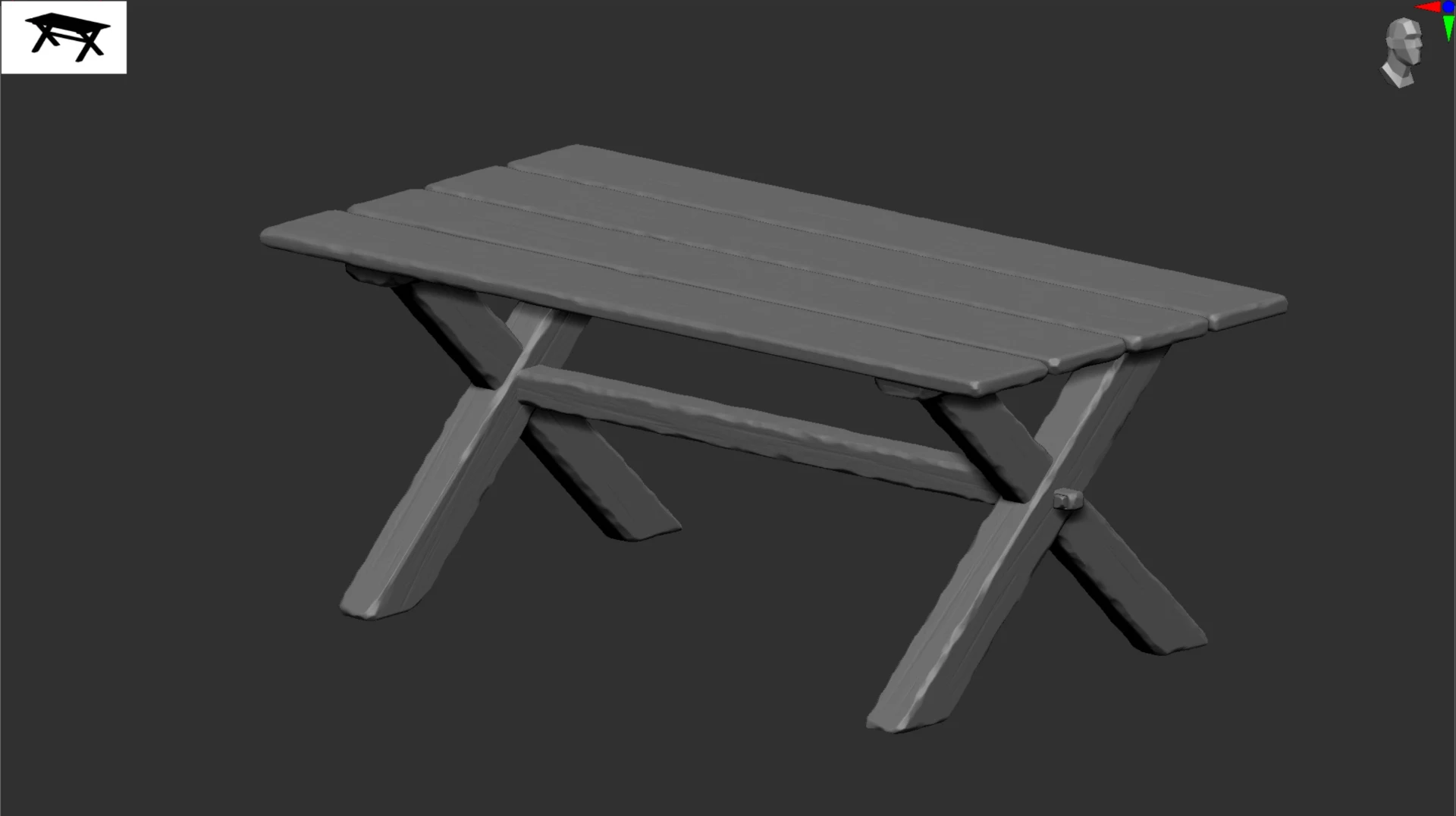
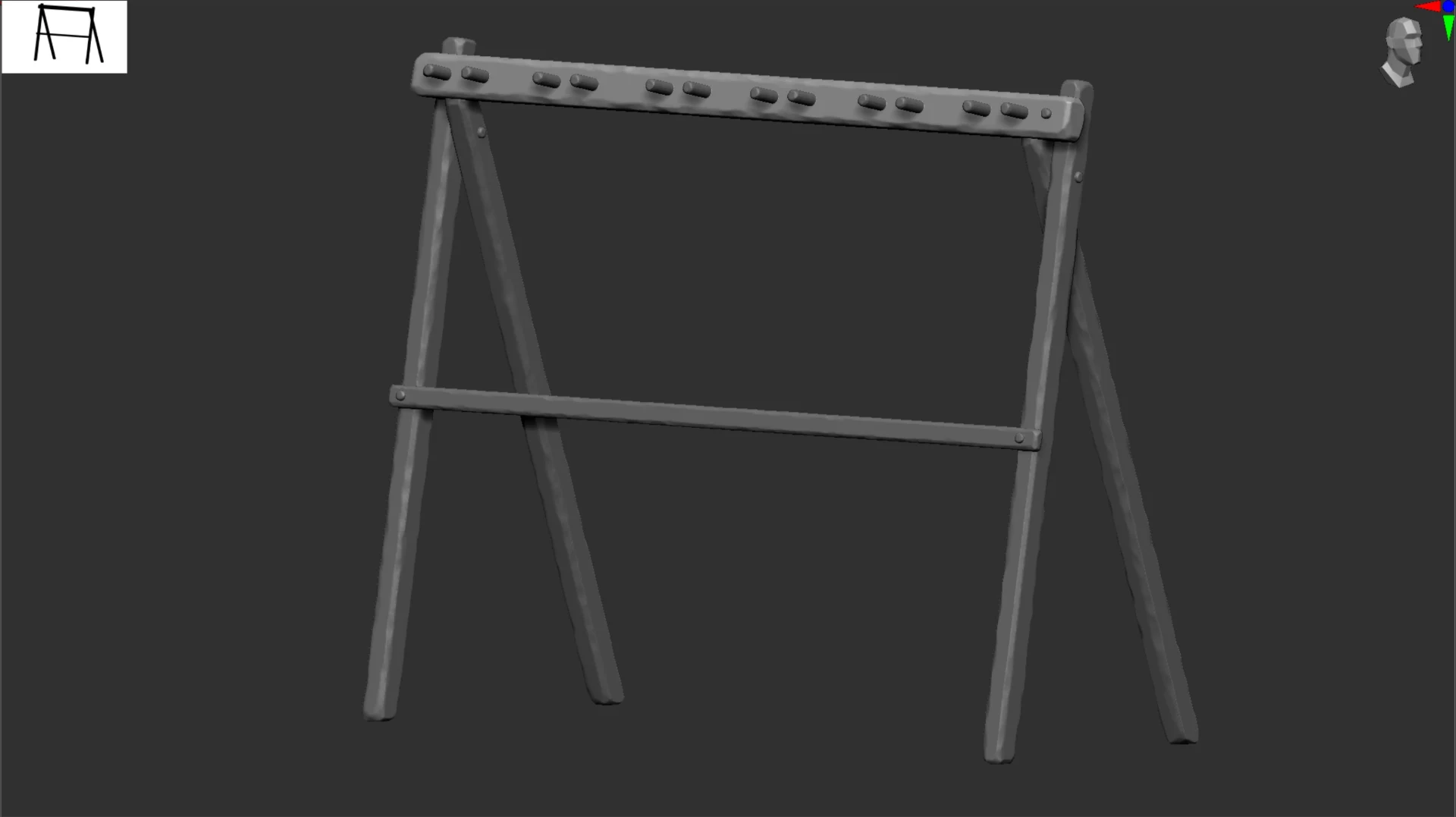
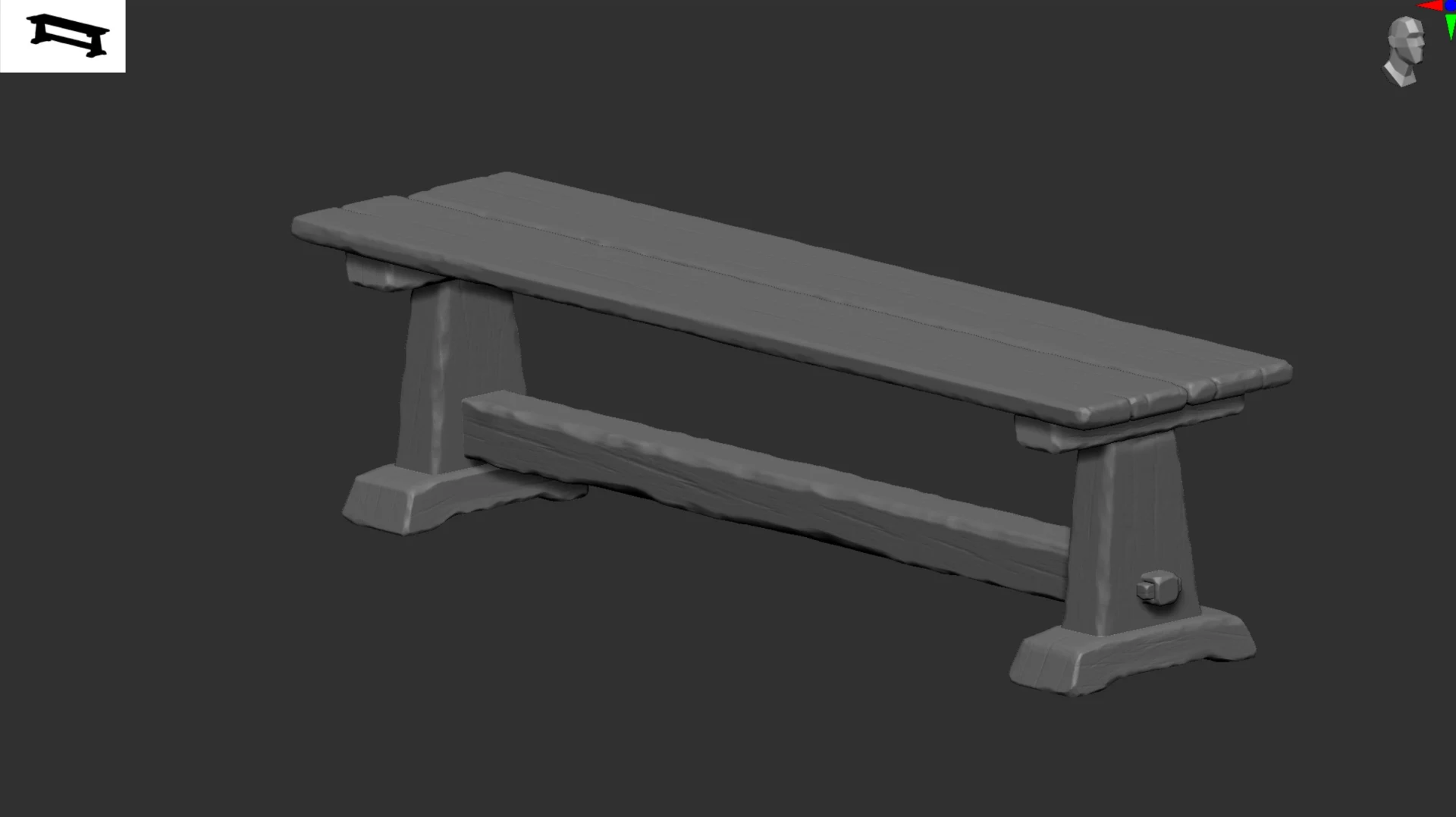
Zbrush sculpts
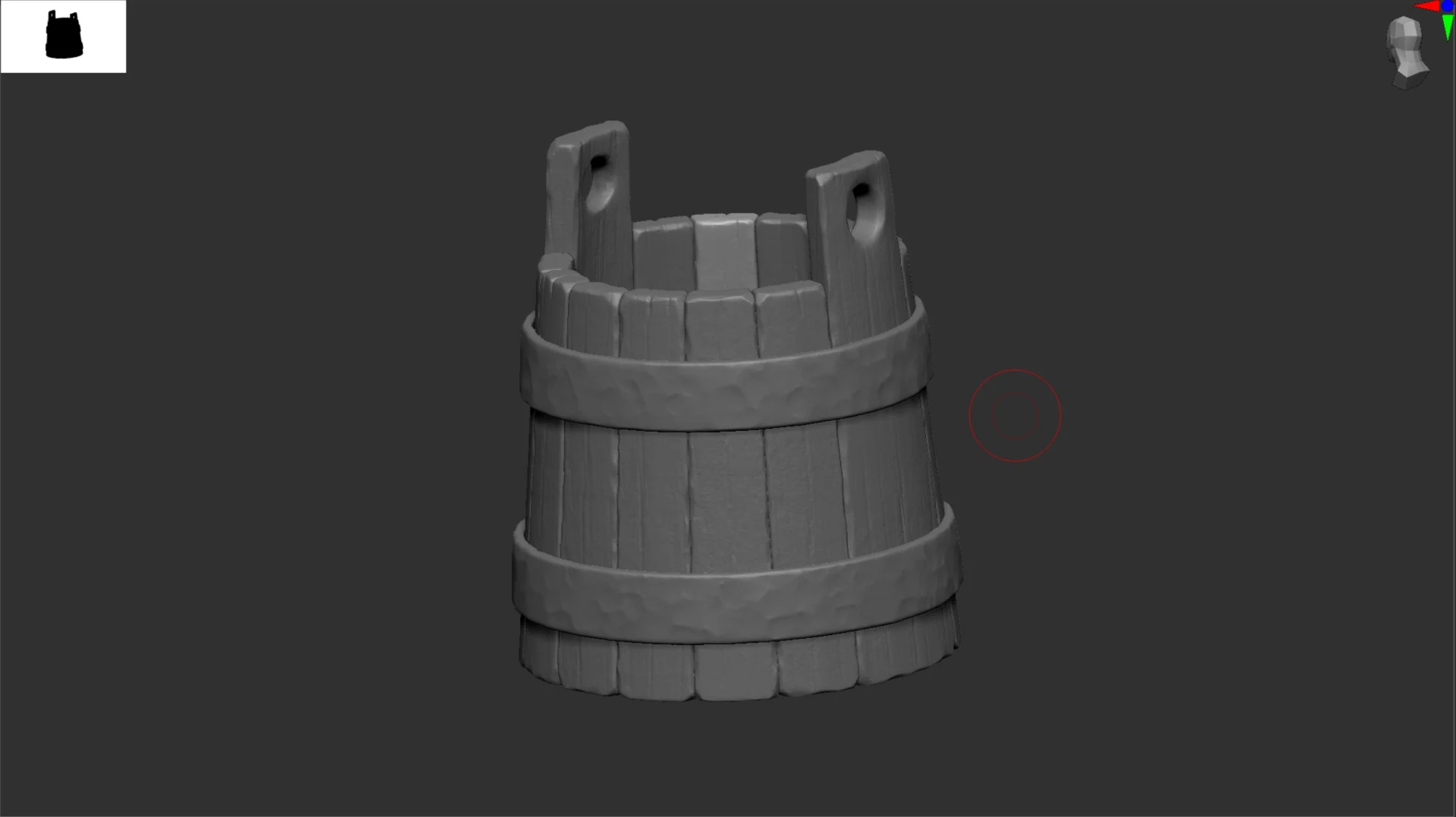
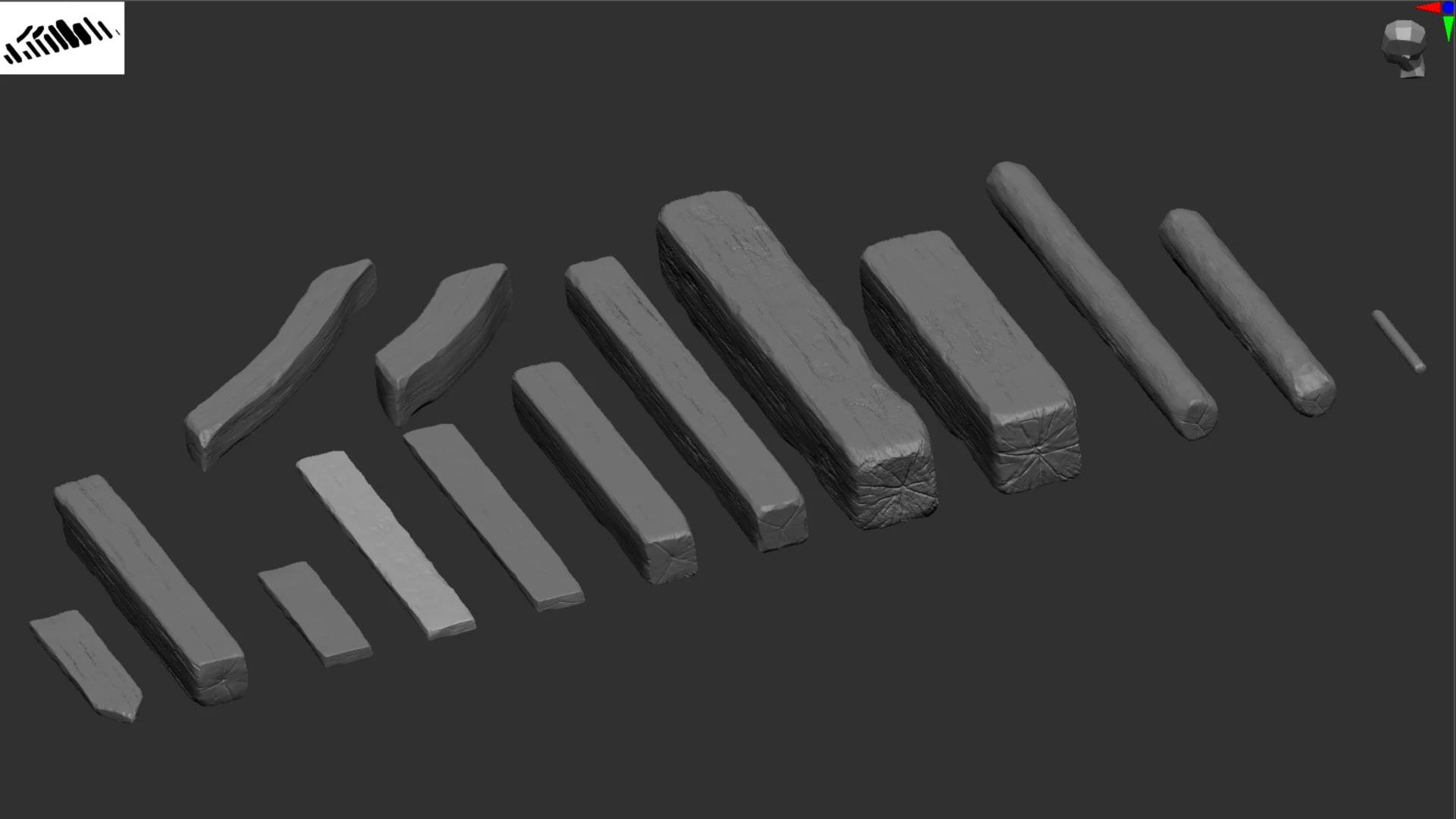
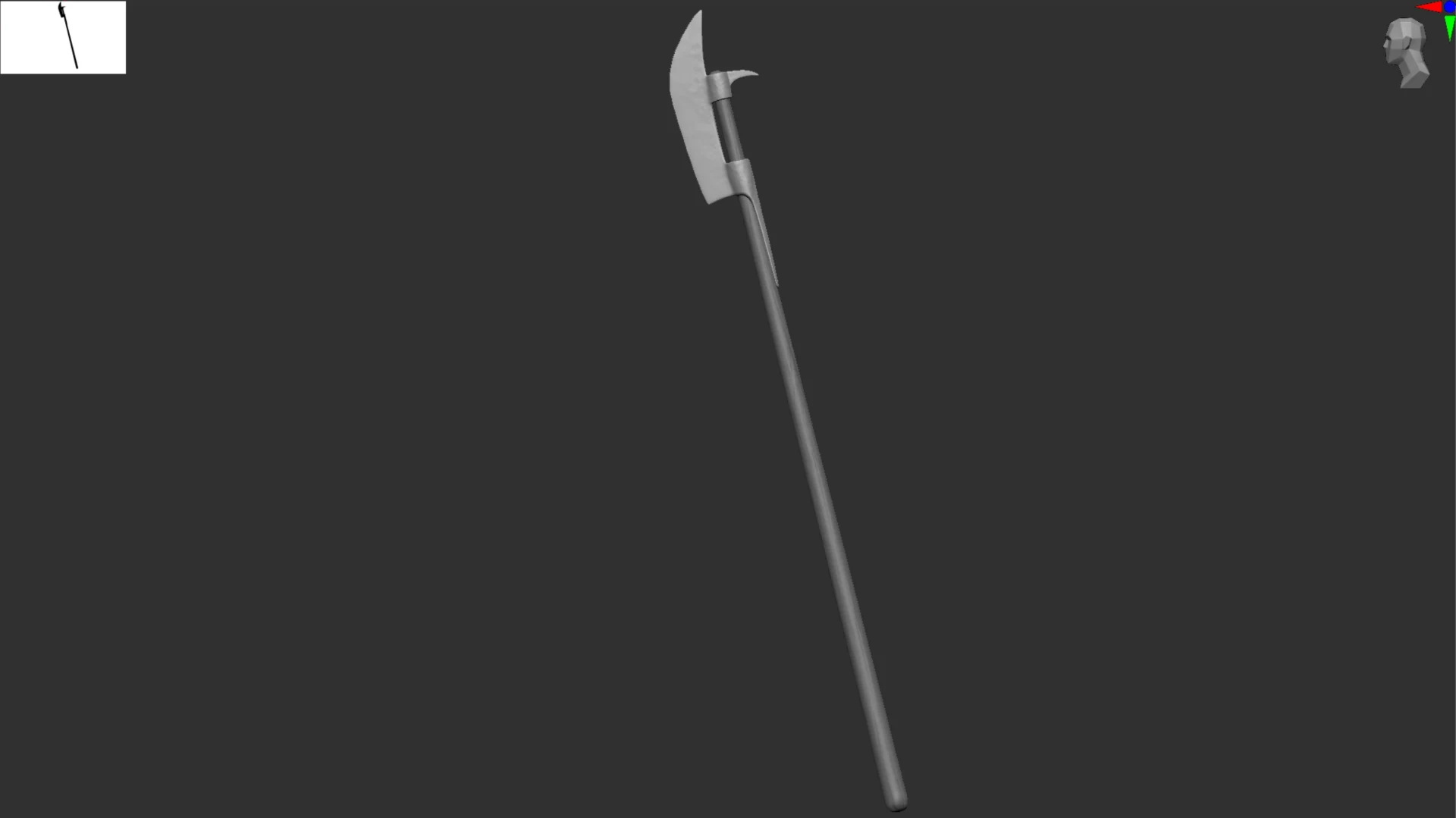
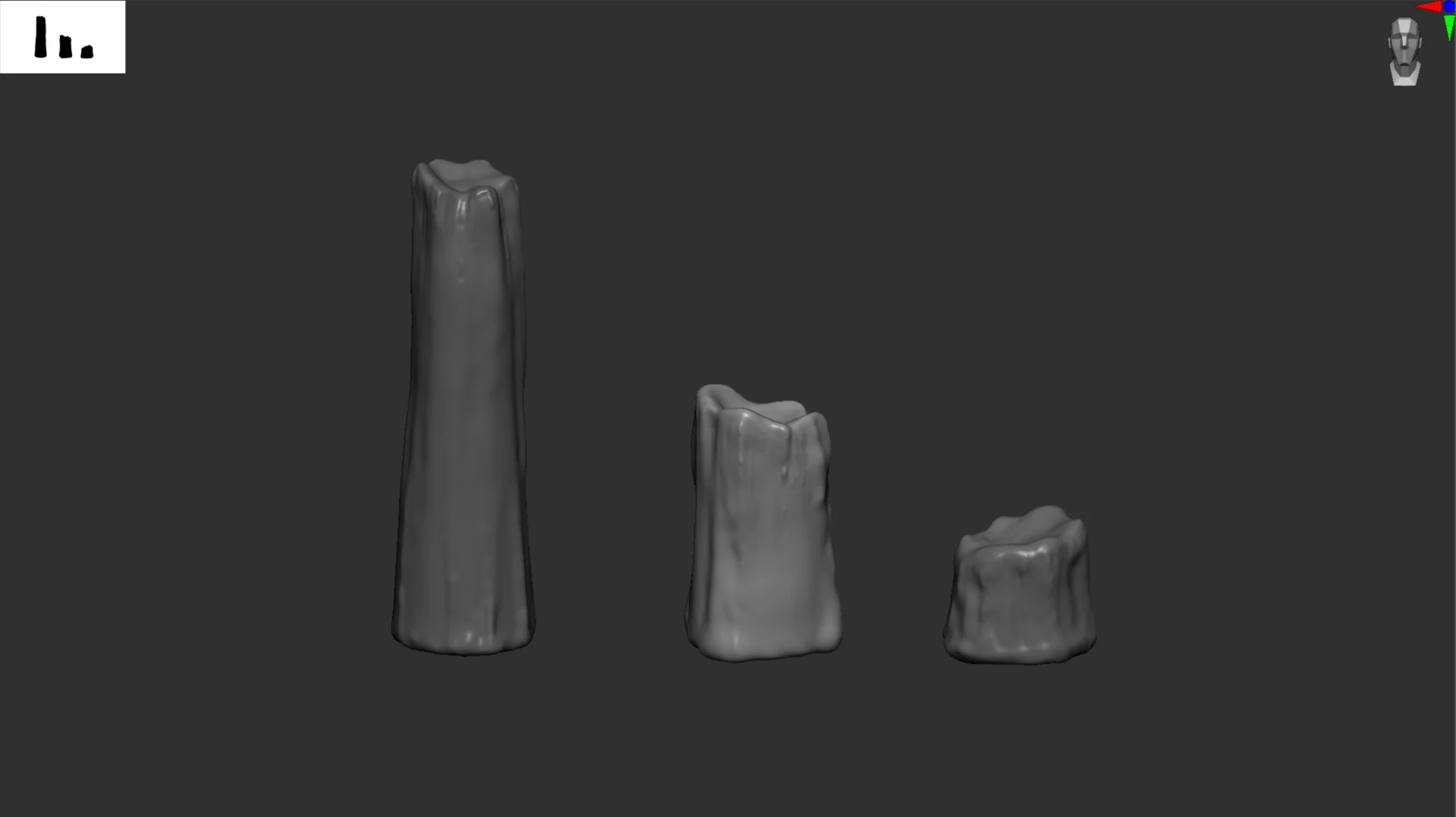
Here is an overview of some sculpts i did for this project. A more detailed view of them can be seen in the asset breakdown page in the outliner.
Texturing process
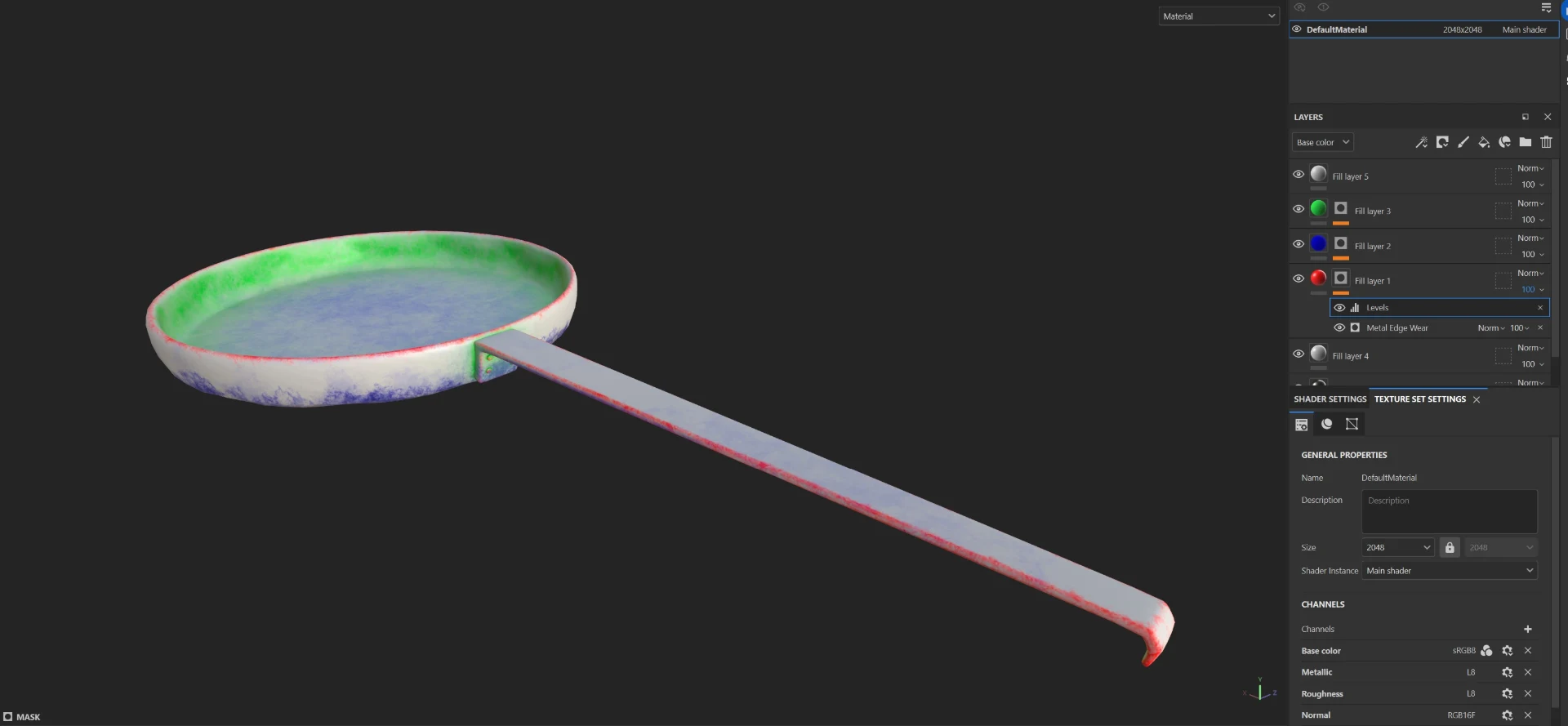
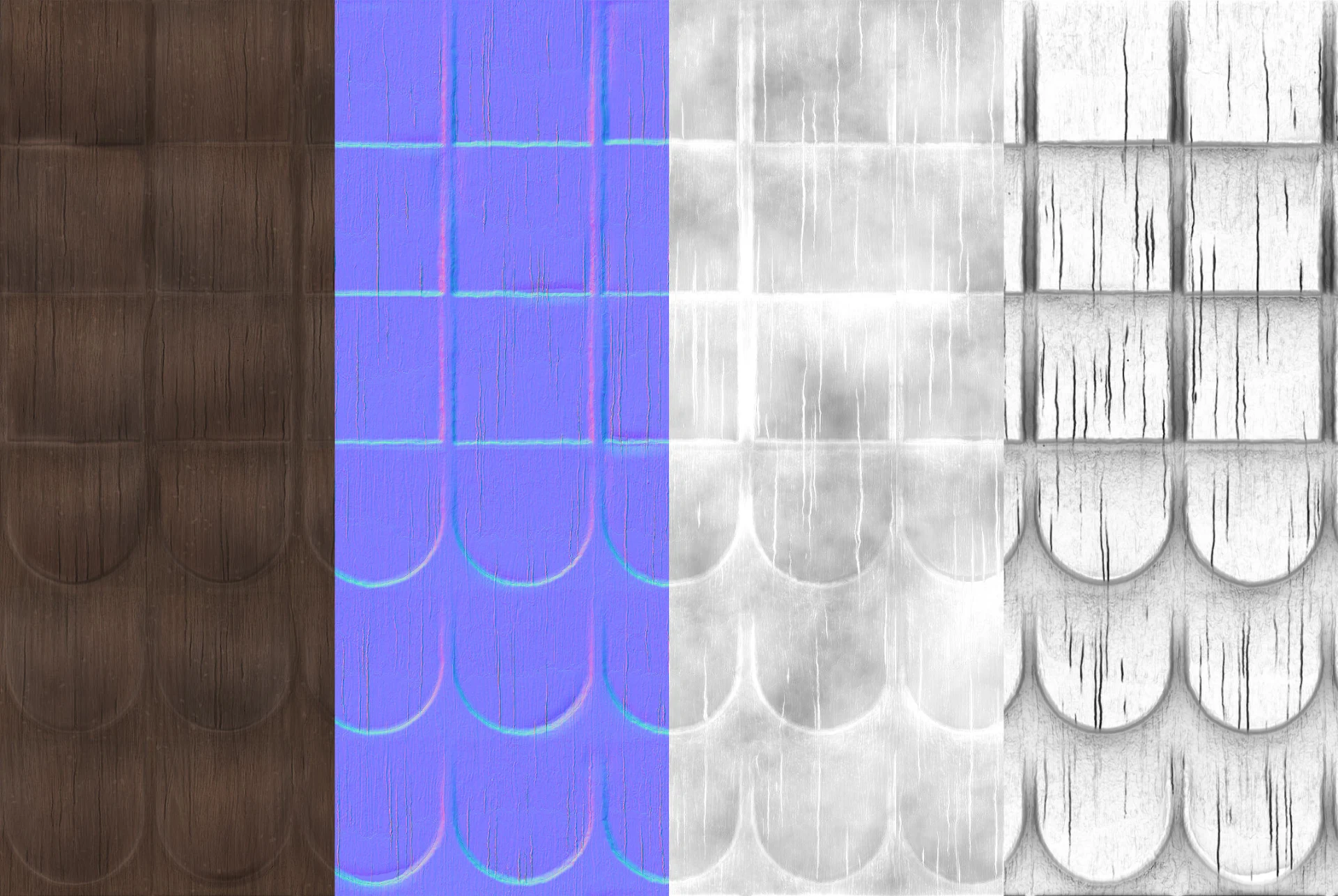
In this project I primarily used Packed Channel textures in combination with tilable textures. This reduced disk space and draw calls. Below is an example of this workflow. I first model, sculpt and UV-unwrap an asset, before i create masks in Substance Painter. These masks are later used in Unreal Engine to add dirt masks, discolourations, edge-wear and more.
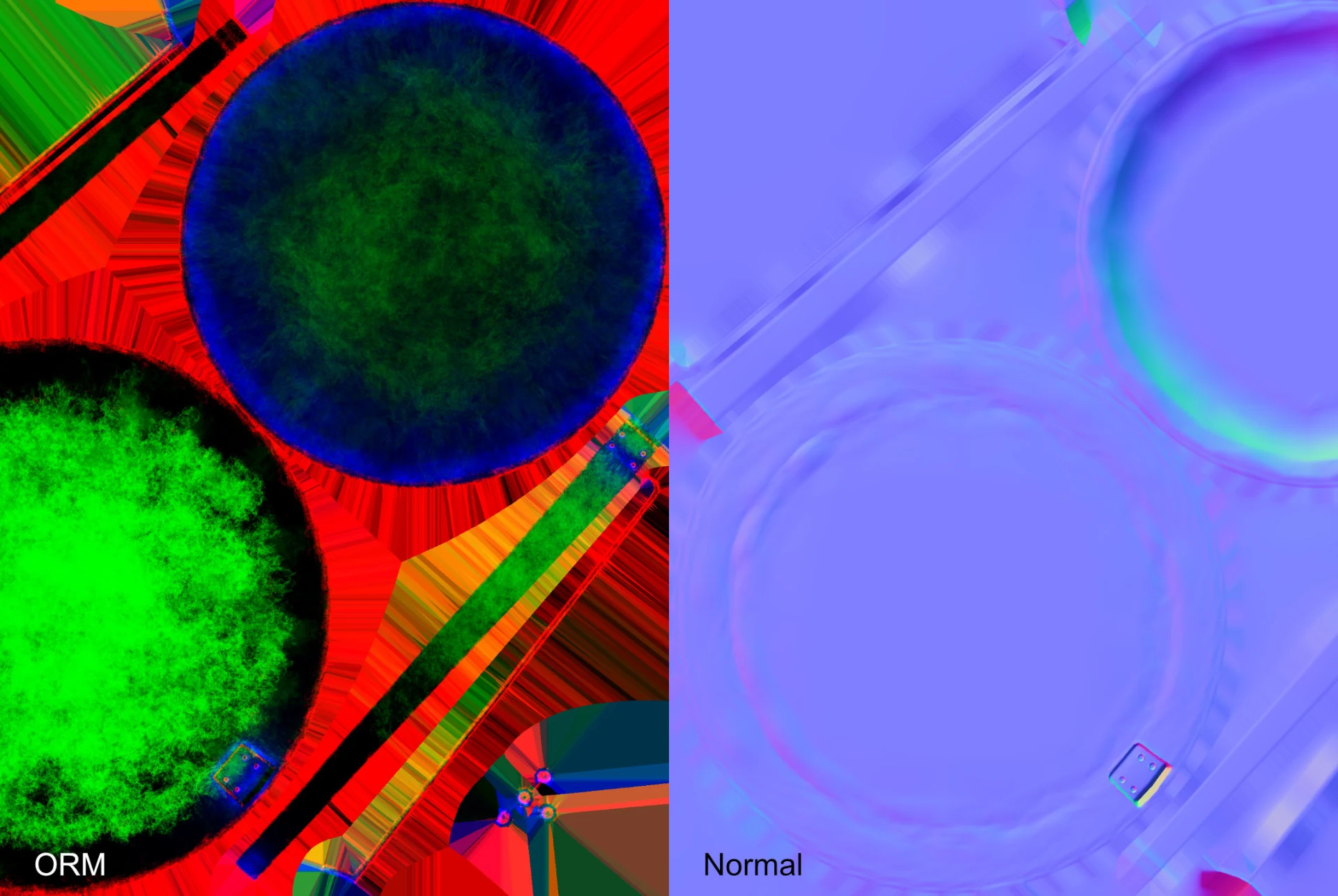
Below are the two textures used for this asset. Compared to a traditional texturing workflow it uses half the textures while also offering more customizability in engine.
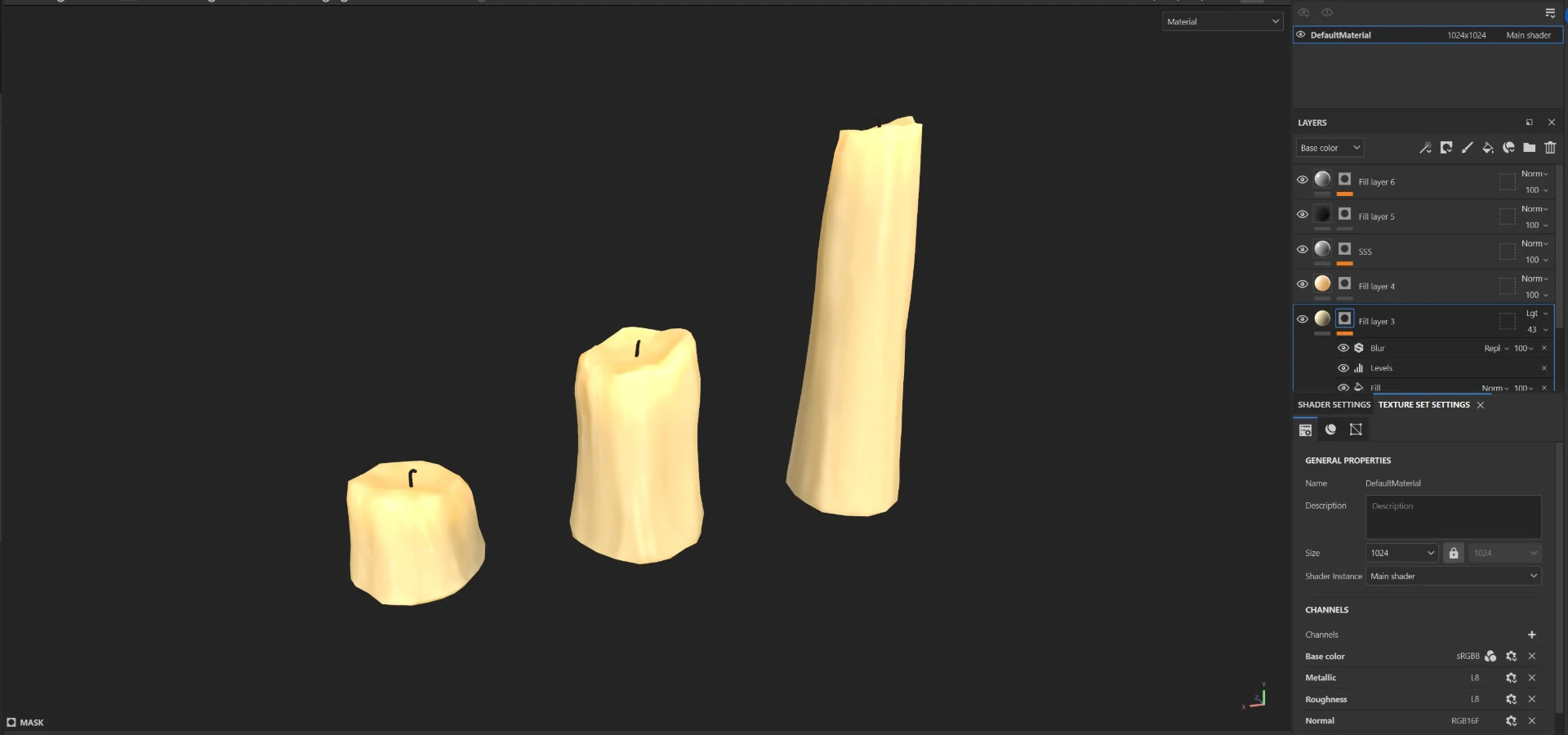
While I primariliy used tilable textures in my project, these candles are an example of a traditional texturing workflow with a fully baked texture-set.
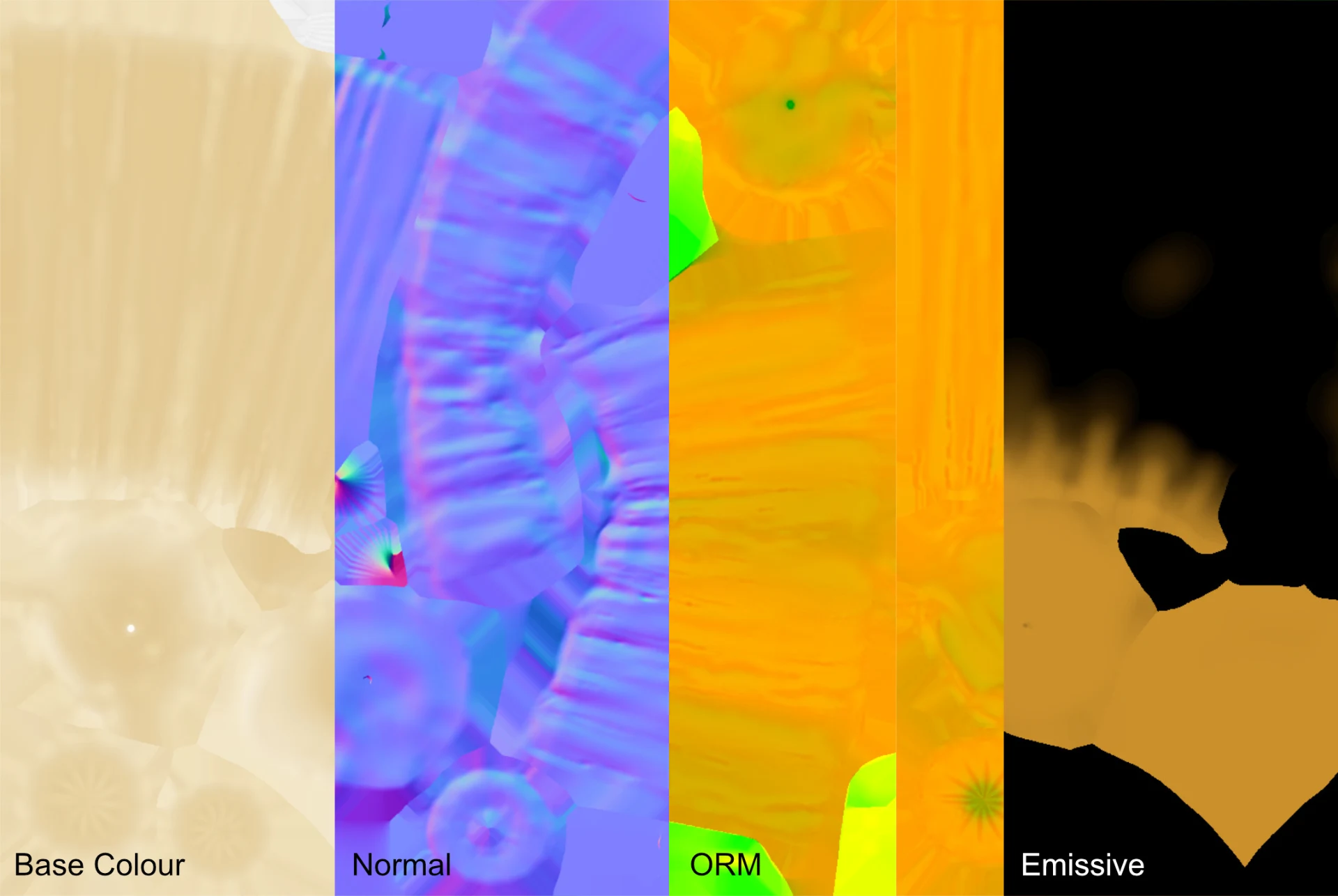
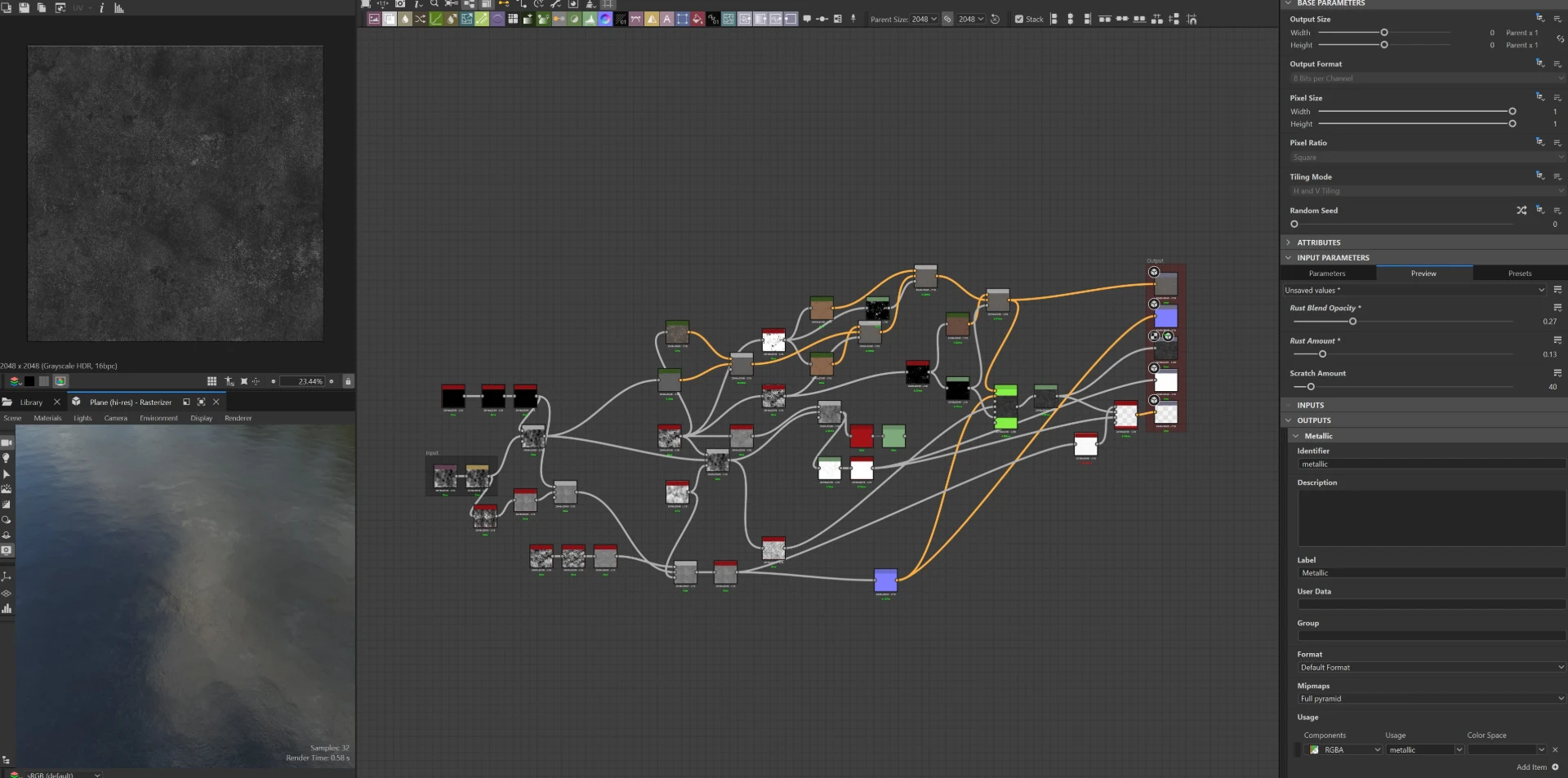
Texture examples
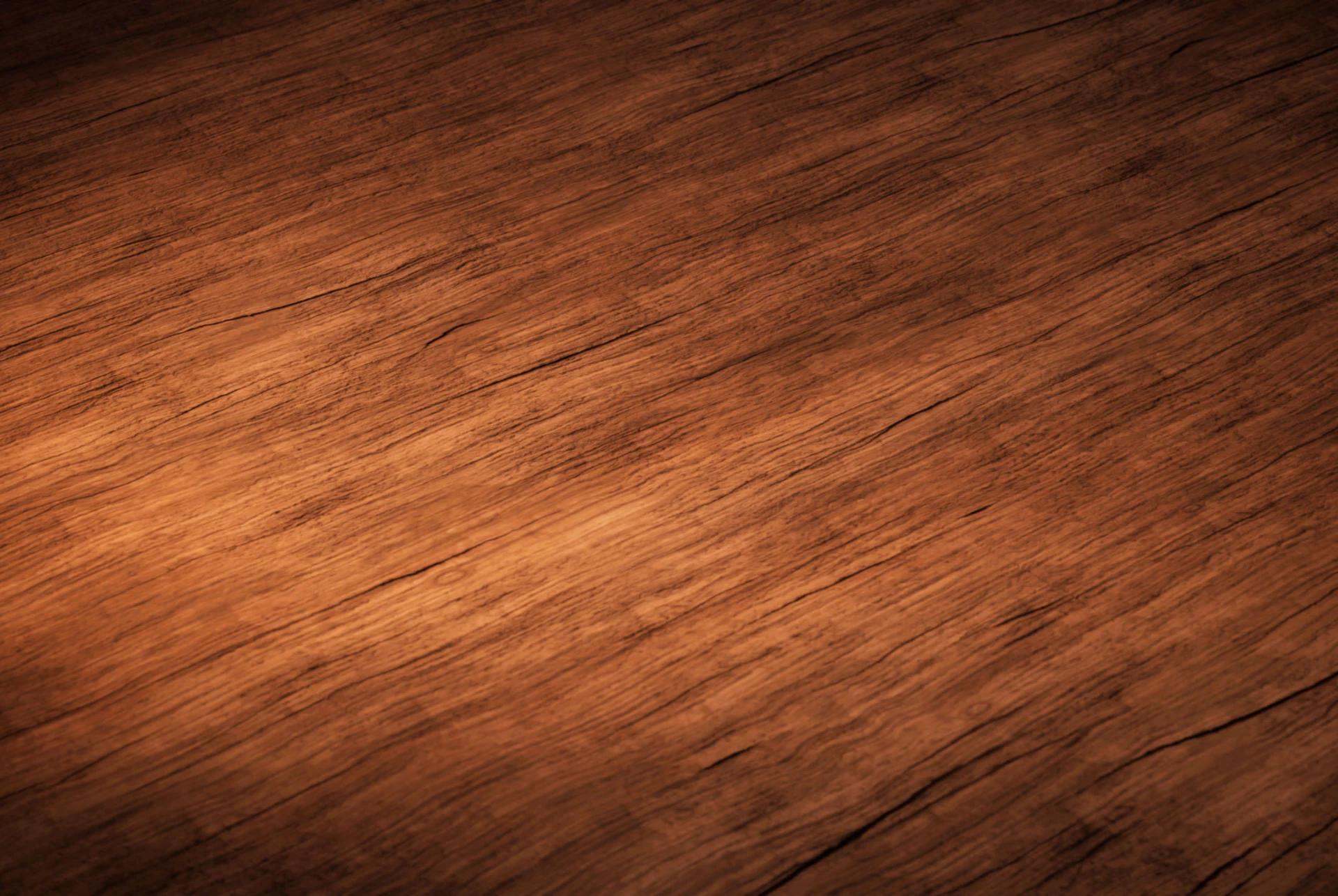
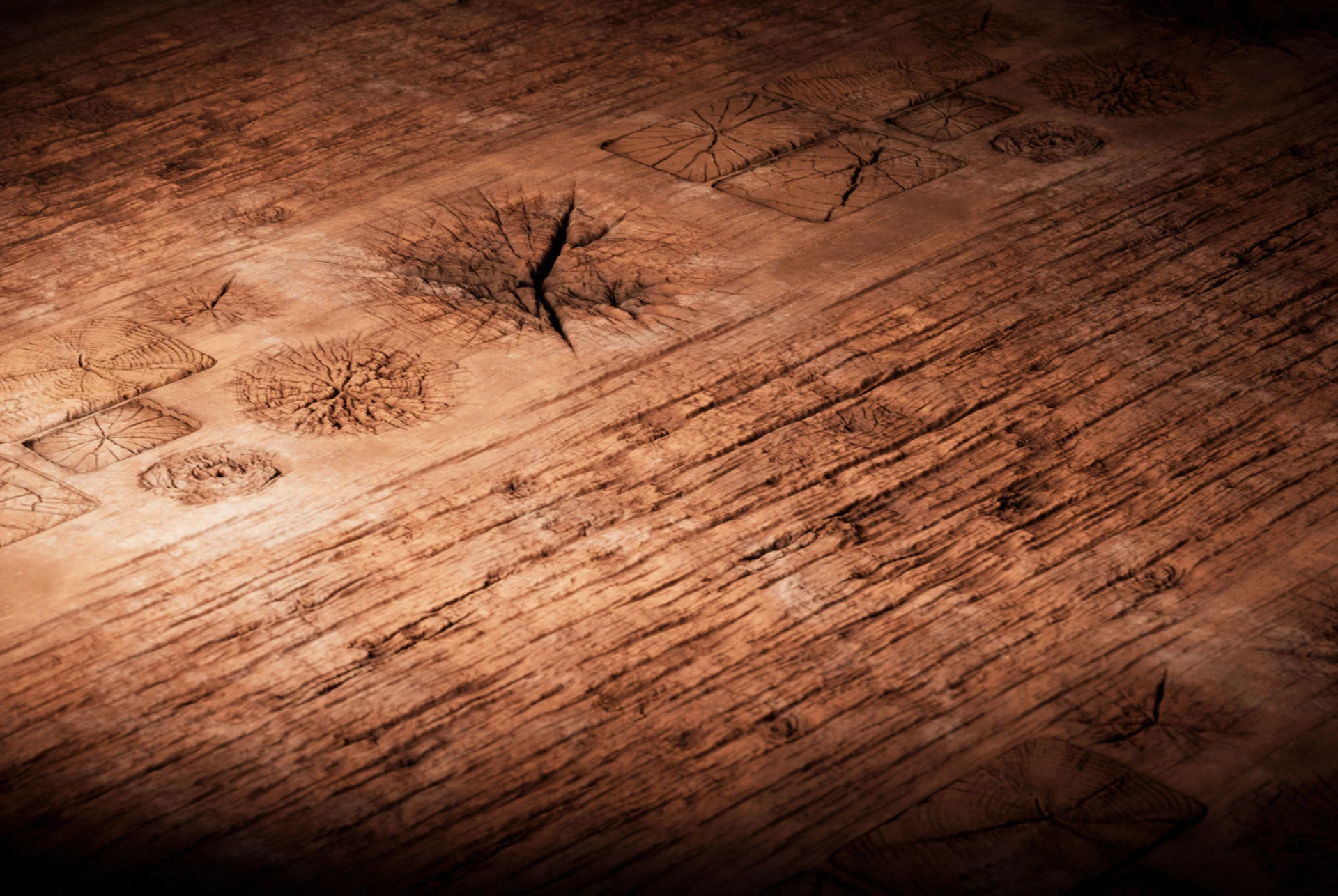
Substance tools
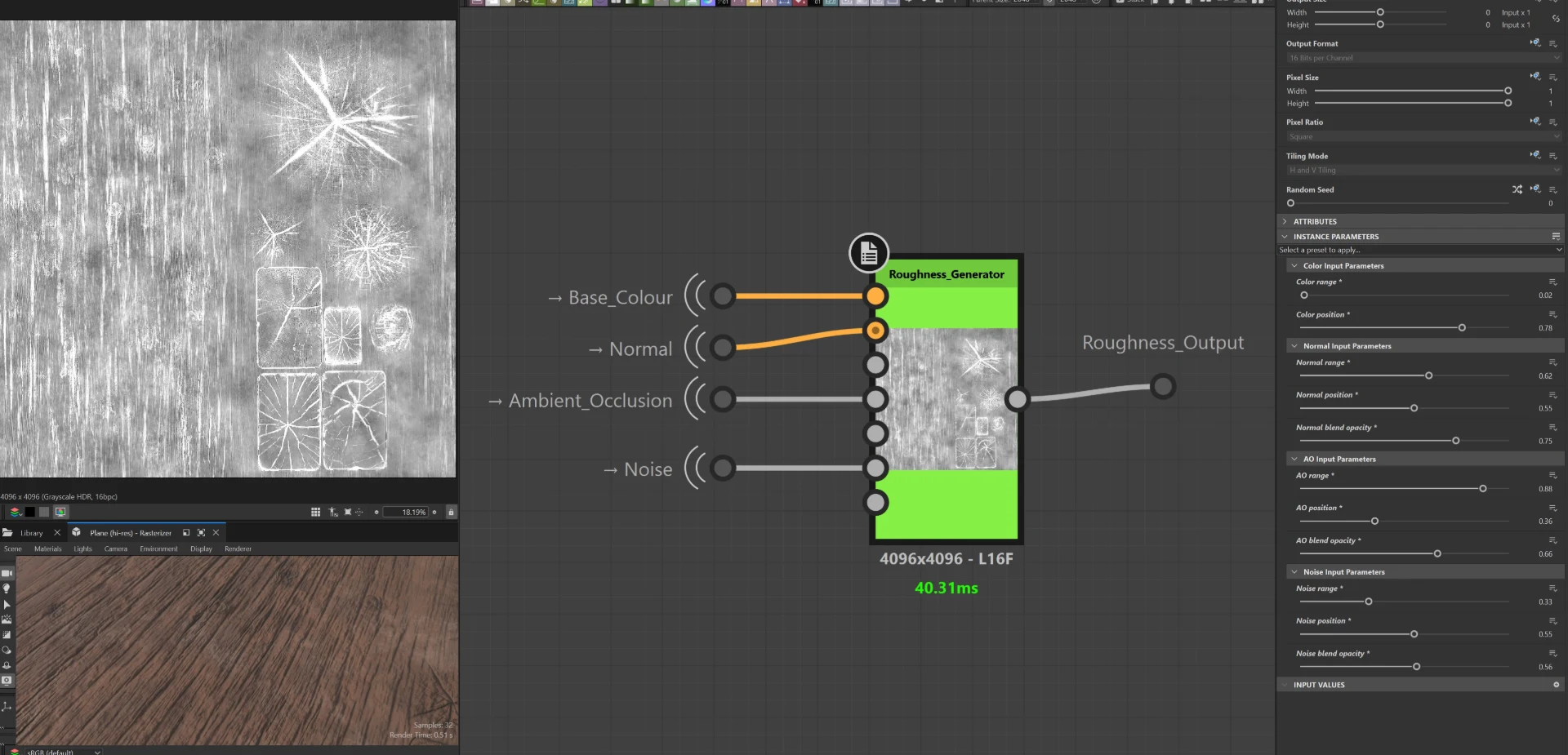
While working on my bachelor project, I built multiple Substance designer tools. This Roughness generator is one example. It takes the Base Colour, Normal, Ambient Occlusion and a Noise map as inputs, and generates a roughness map that can be tweaked by differnet sliders in the parameters panel. Each input, except for the "Base Colour", also takes a mask input to determine where the roughness adjustments should happen.
World creation
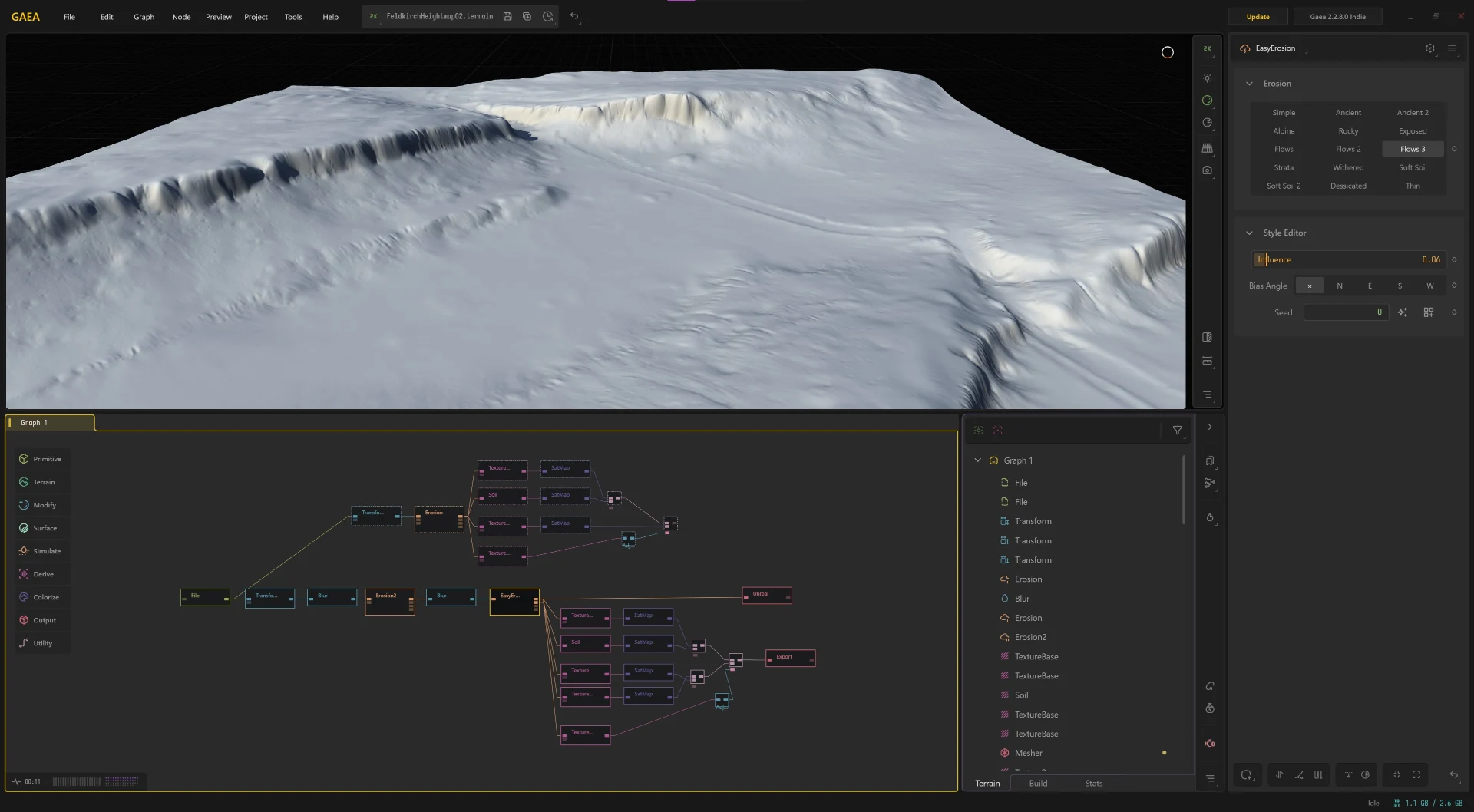
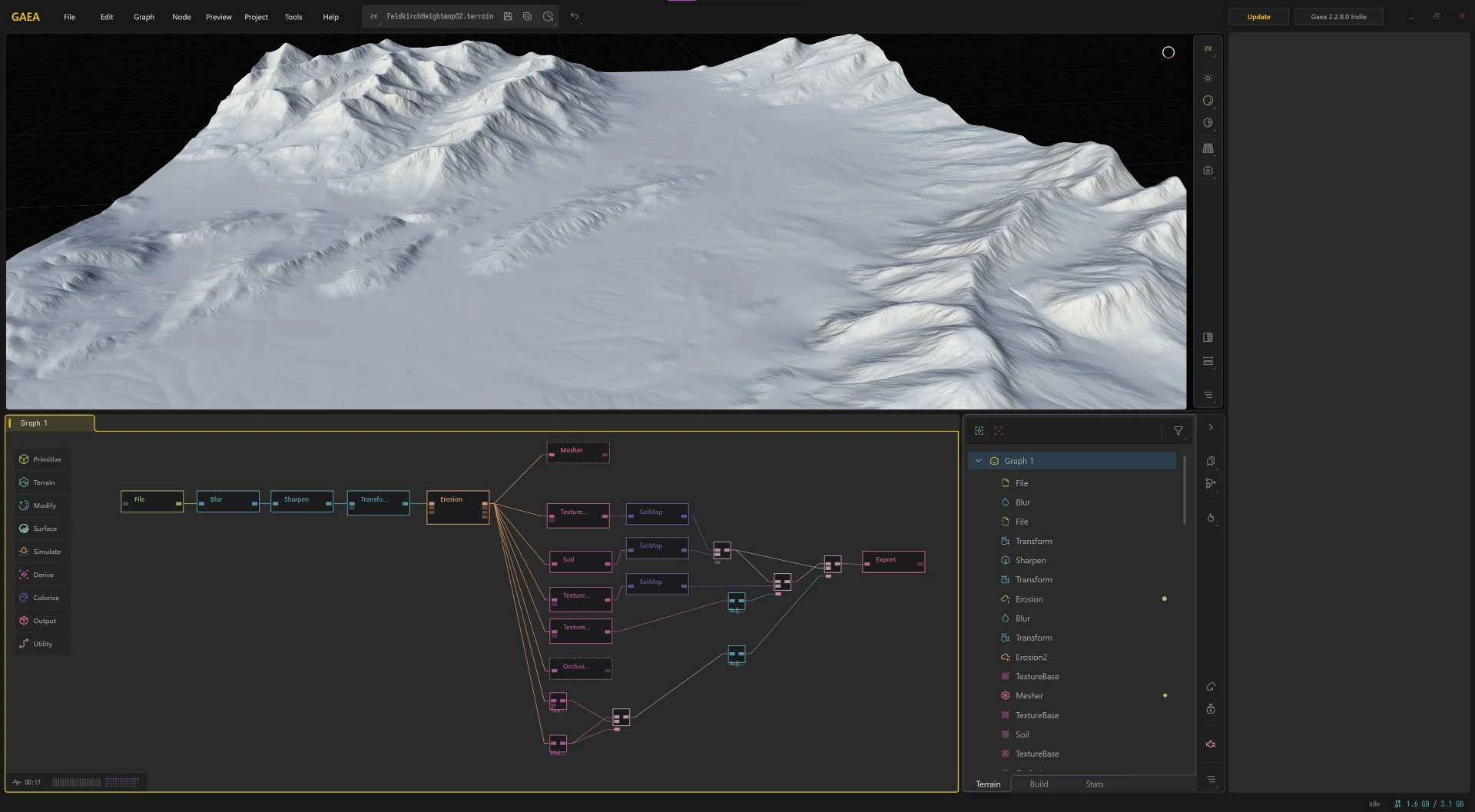
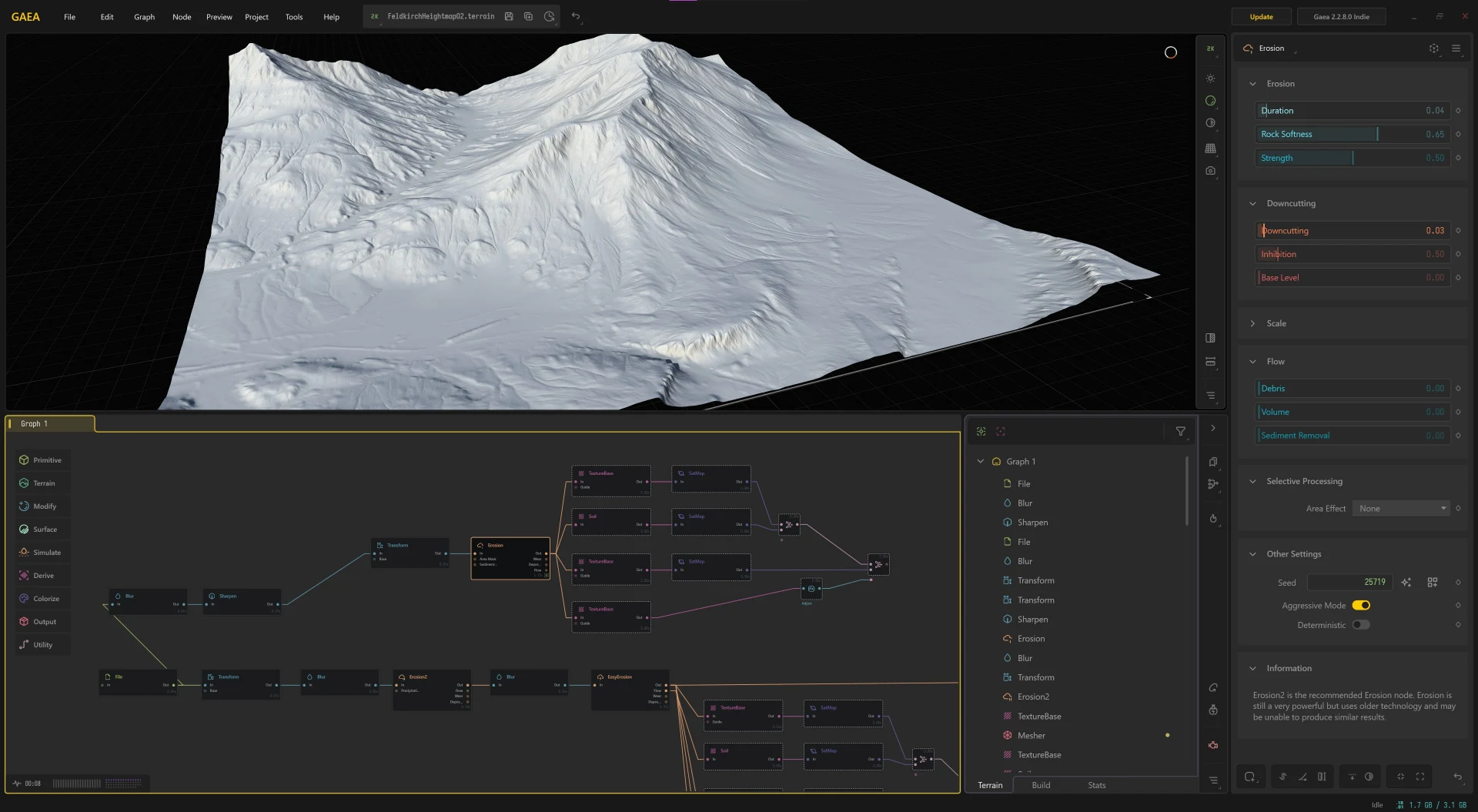
This project is based on a real life location, therefore i needed to take a real heighmap to generate my landscape. I could not however diretly import any heightmap directly into Unreal, because firstly the resolution was too low and secondly modern heightmaps include noise elements like buildings, railways and modern river courses. To solve these problems I imported the heightmap into Gaea and reshaped the landscape until it could be used in Unreal Engine. I also took this opportunity to slightly adjust the topology to better reflect how the landscape might have appeared 600 years ago.